Applications
2 min
The Applications module contains a list of catalogs and applications available to the selected project.
Belden Horizon Data Manager includes a default Marketplace catalog with applications ready to be deployed.
Access Applications UI
To access the Applications UI:
1. Log in to Belden Horizon Data Manager.
2. Select a company. The Projects pane appears.
3. Do one of the following:
- Click a project from the Project pane. The Dashboard pane appears for the project.
- Click the Actions icon for a project, and then select View. The Dashboard pane appears for the project.
4. From the Navigation panel, select Applications. The Applications pane appears.
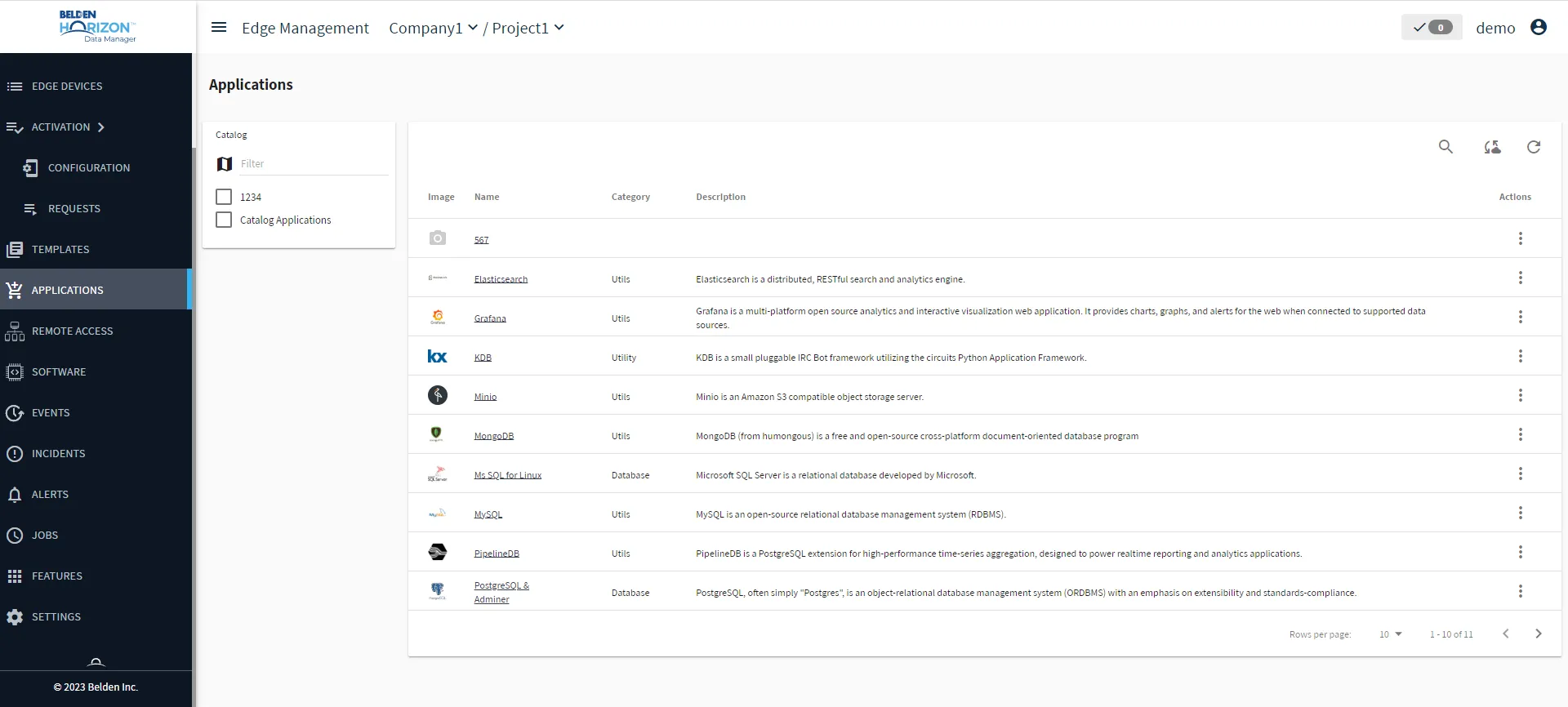
Belden Horizon Data Manager User UI : Applications