Licenses
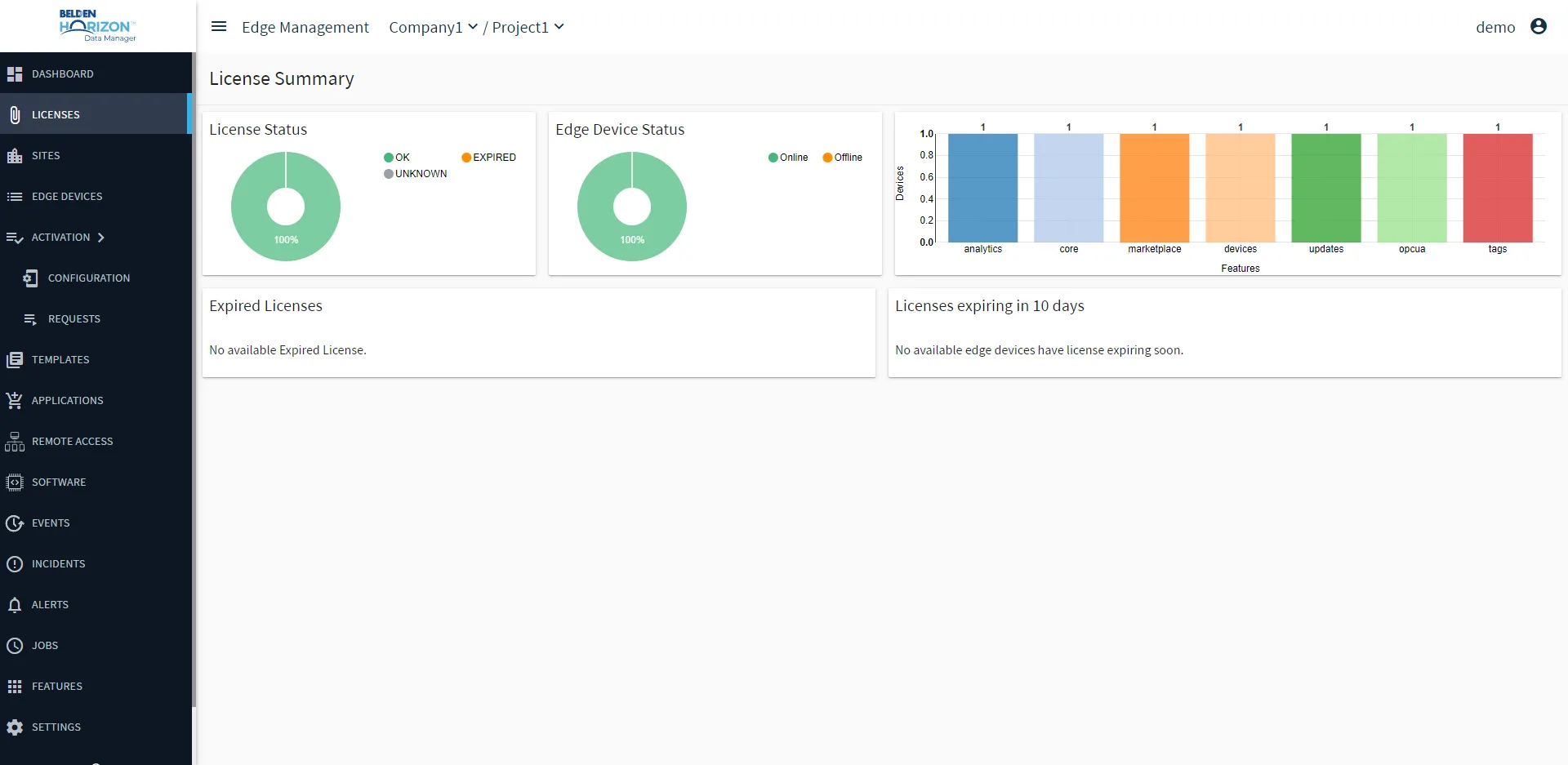
Licenses allows you to view the license status for your edge devices, the edge device online or offline status, the number of edge devices using specific features, a list of expired licenses, and a list of licenses expiring in a period of time.
Note: The Licenses module is available from an open project.
Important for Cloud Deployment:
Before activating the license, ensure all hardware / VM configuration steps that can modify the MAC address (add/replace a Network Interface Controller (NIC) card) are finalized.
The license Host ID depends on the Media Access Control (MAC) address for the device. The MAC address identifies the devices on a network. Changing the MAC address will invalidate the license.
Access Licenses UI
To access the Licenses UI:
1. Log in to Belden Horizon Data Manager.
2. Select a company. The Projects pane appears.
3. Do one of the following:
- Click a project from the Project pane. The Dashboard pane appears for the project.
- Click the Actions icon for a project, and then select View. The Dashboard pane appears for the project.
4. From the Navigation panel, select Licenses. The License Summary pane appears.
Refer to the following actions you can take on the Belden Horizon Data Manager User UI's Licenses pane.
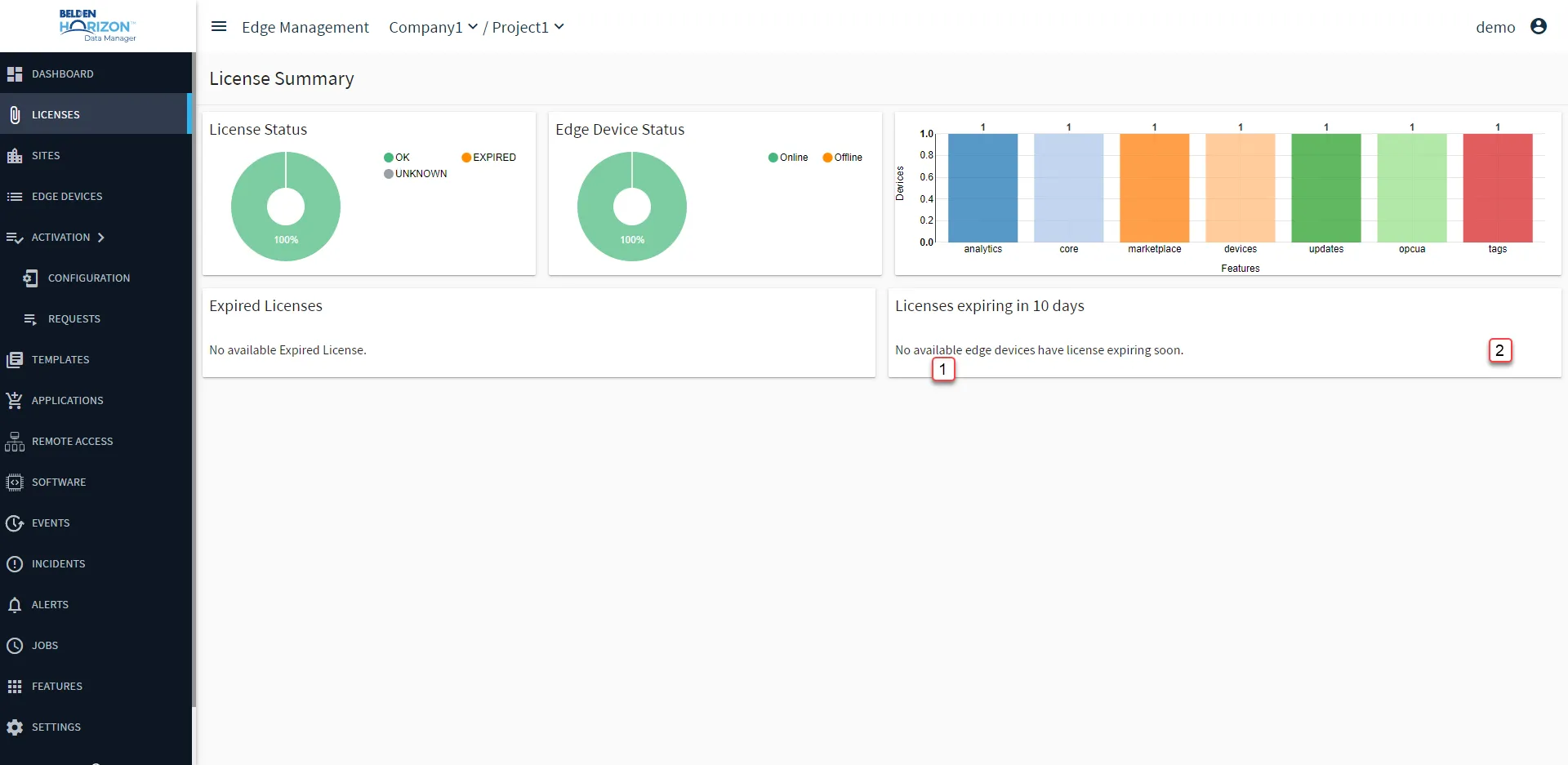
[1] Edge Device Details
[2] Action menu: