Remote Access
Quite commonly, Belden Horizon Data Manager resides on network A (open to the internet or moderately protected by a firewall) while edge devices it manages reside on network B (a private network with no internet access). The Remote Access module enables mutual access between Belden Horizon Data Manager and its edge devices that reside on the different networks.
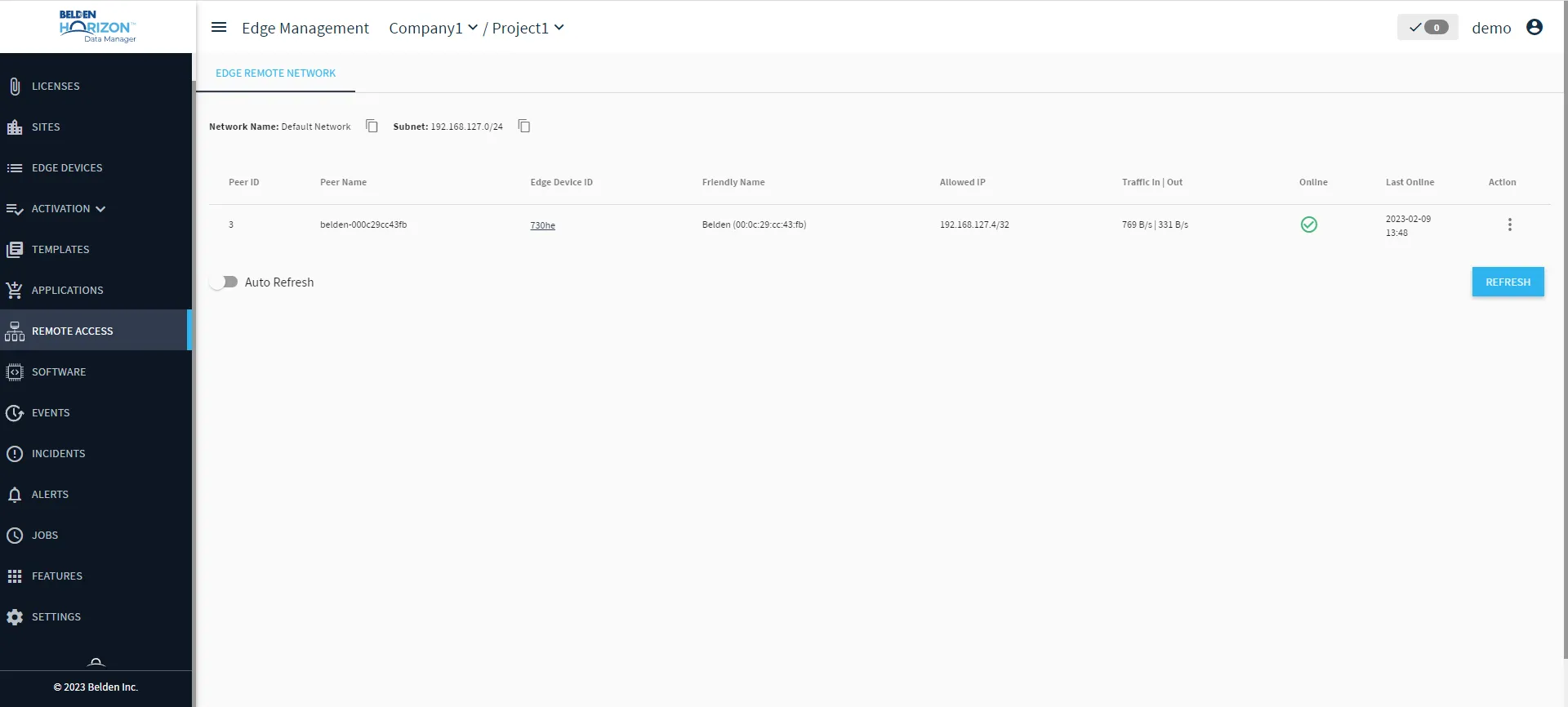
The Remote Access module features two panes, Zerotier Network and Edge Remote Network.
Access Remote Access UI
To access the remote access UI:
1. Log in to Belden Horizon Data Manager.
2. Select a company. The Projects pane appears.
3. Do one of the following:
- Click a project from the Project pane. The Dashboard pane appears for the project.
- Click the Actions icon for a project, and then select View. The Dashboard pane appears for the project.
4. From the Navigation panel, select Remote Access. The Remote Access pane appears. Remote Access's Edge Remote Network pane by default appears.
Next Steps
The following tab are available for Remote Access.
Note: The Zerotier Network tab is currently not supported.