Features
2 min
The Features module includes a Marketplace, and Grafana application tile. These internally available features can be opened in a new browser tab by clicking on their respective tiles.
Note: After selecting a project, the Features module appears.
Access Features UI
To access the features UI:
1. Log in to Belden Horizon Data Manager.
2. Select a company. The Projects pane appears. 3. Do one of the following:
- Click a project from the Project pane. The Dashboard pane appears for the project.
- Click the Actions icon for a project, and then select View. The Dashboard pane appears for the project.
4. From the Navigation panel, select Marketplace. The Features pane appears.
Refer to the following actions you can take on the Belden Horizon Data Manager User UI's Features pane.
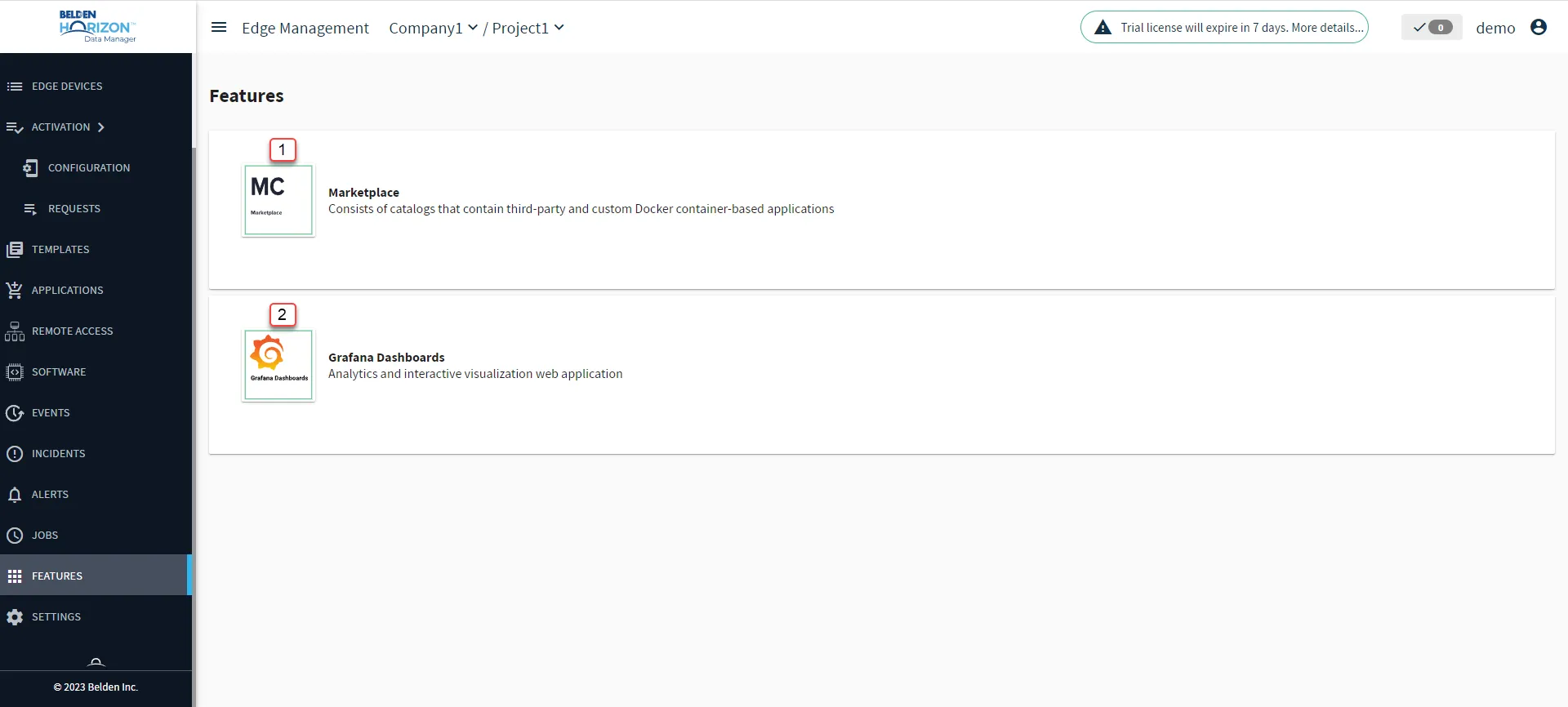
Belden Horizon Data Manager User UI : Features
[1] View Marketplace: Catalogs and Applications
[2] View Grafana Dashboards