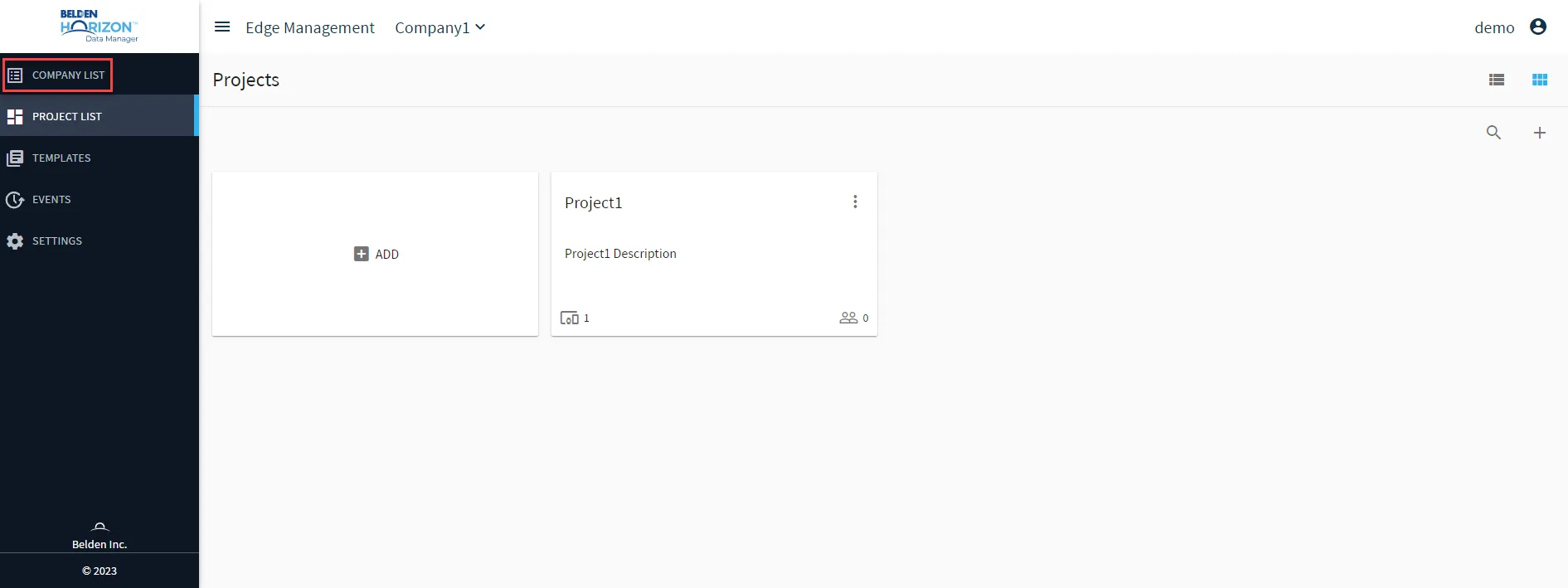
Select a Company
When a company has been created by using the instructions as listed in Add a Company, it is possible to switch to a different created company to work with. As each company is designed to contain its own teams, projects, data collection, and device management, this achieves data security by creating a domain-level isolation between other companies or business units.
In a multi-tenancy environment, you can create a company for each of your client companies. In a large corporation, a company can be used to represent a business unit.
You can select a company to work within when you log in, from the Companies list or from the Company drop-down list. You can search for a company in the Companies list.
Note: The company you select displays at the top of the window to indicate the context for the configuration. You can switch companies by making a selection from the Company Name drop-down list at the top of the window.
To select a company after logging in: 1. Log in to Belden Horizon Data Manager. A list of companies appears. The user interface below is for Belden Horizon Data Manager version 2.10.0 and later.
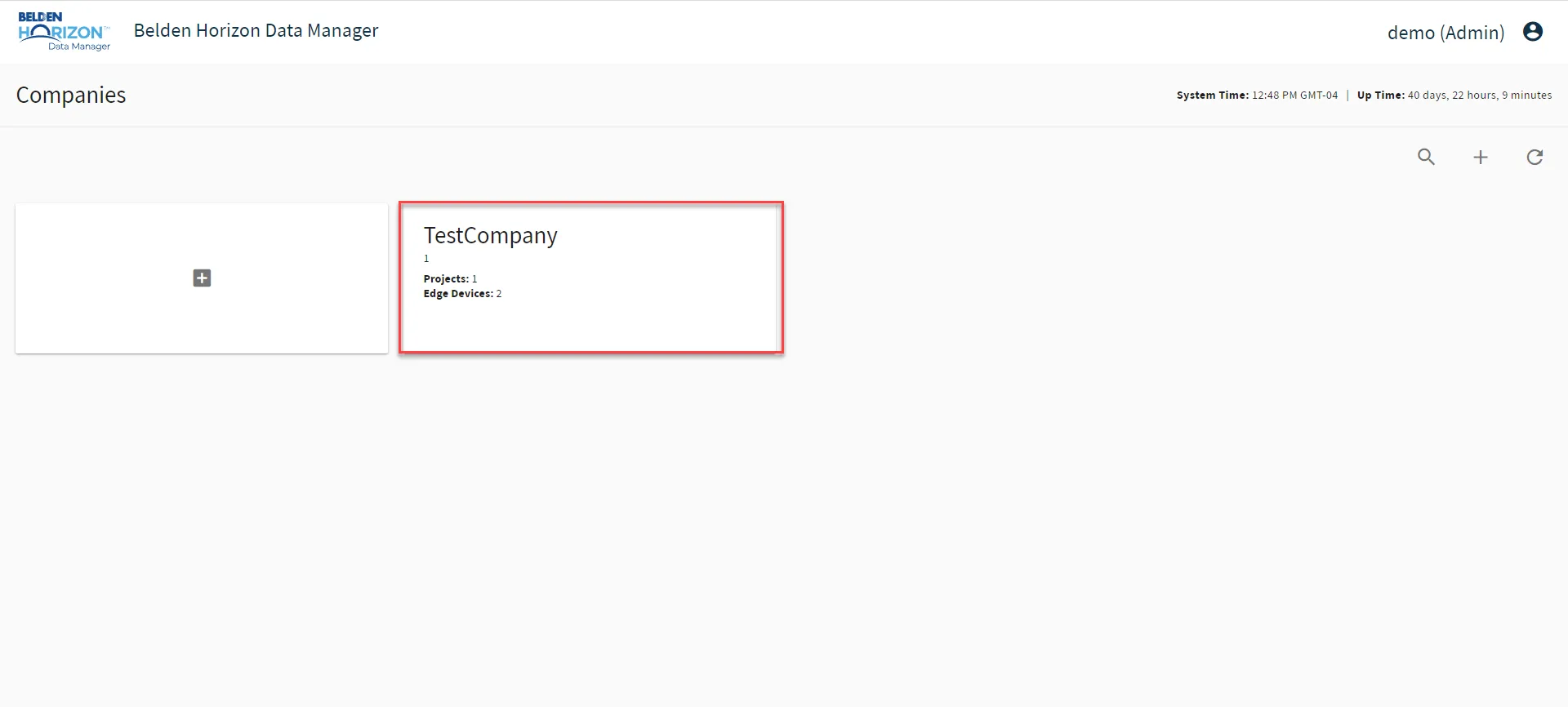
2. Select a company from the list. The Projects pane for the selected company appears.
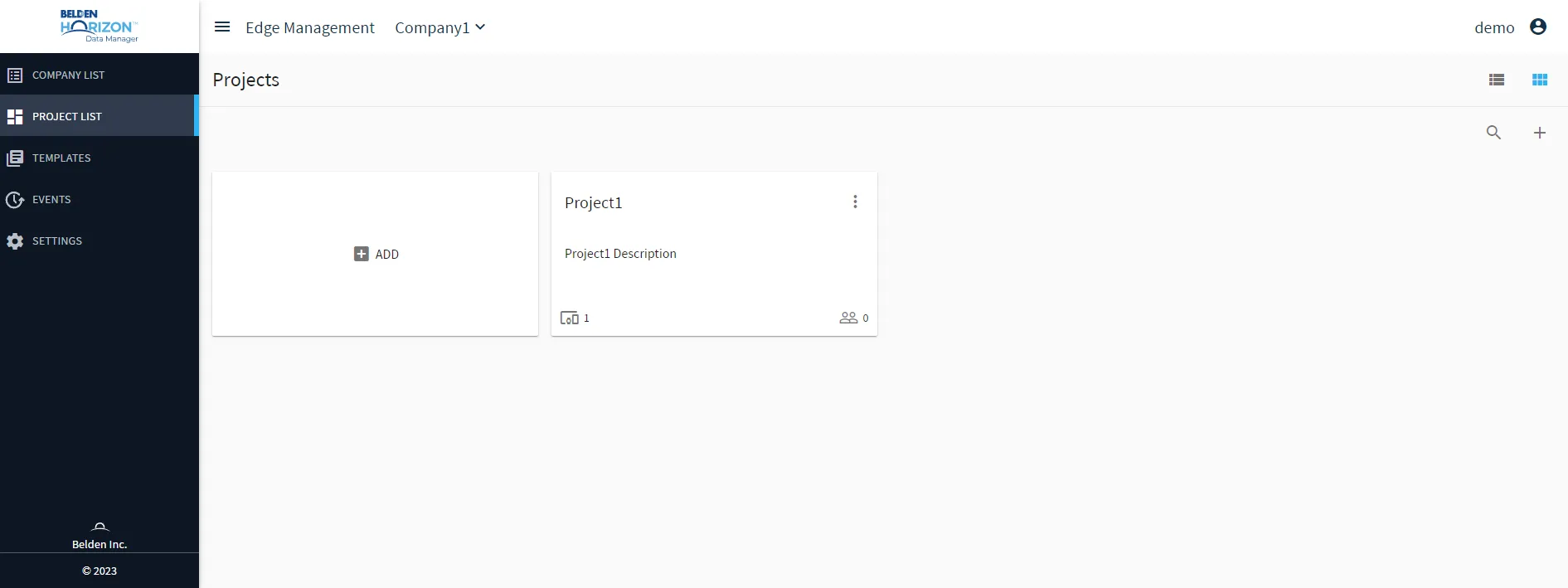
To select a company from the Company drop-down list:
From the company or project from which you are working, select an option from the Company drop-down list.
The Projects pane for the selected company appears.