Add a Company
Before you can add Belden Horizon Data Operations edge devices to Belden Horizon Data Manager, you must set up the hierarchy under which the Belden Horizon Data Operations edge devices will exist.
You can create as many companies as needed to accomplish the desired hierarchy and separation.
Important:
- You must be an administrator to add a new company.
- Company names are alphanumeric, with only the underscore (_), plus (+), percentage (%), and period (.) special characters permitted.
- Company names must be unique.
- If a company was previously deleted, a new company with the deleted name cannot be created.
- By default, a newly created company is only accessible to the owner who created the company. To make a company accessible to other users, you can add a user to a company as a team member. See Company Settings for more information.
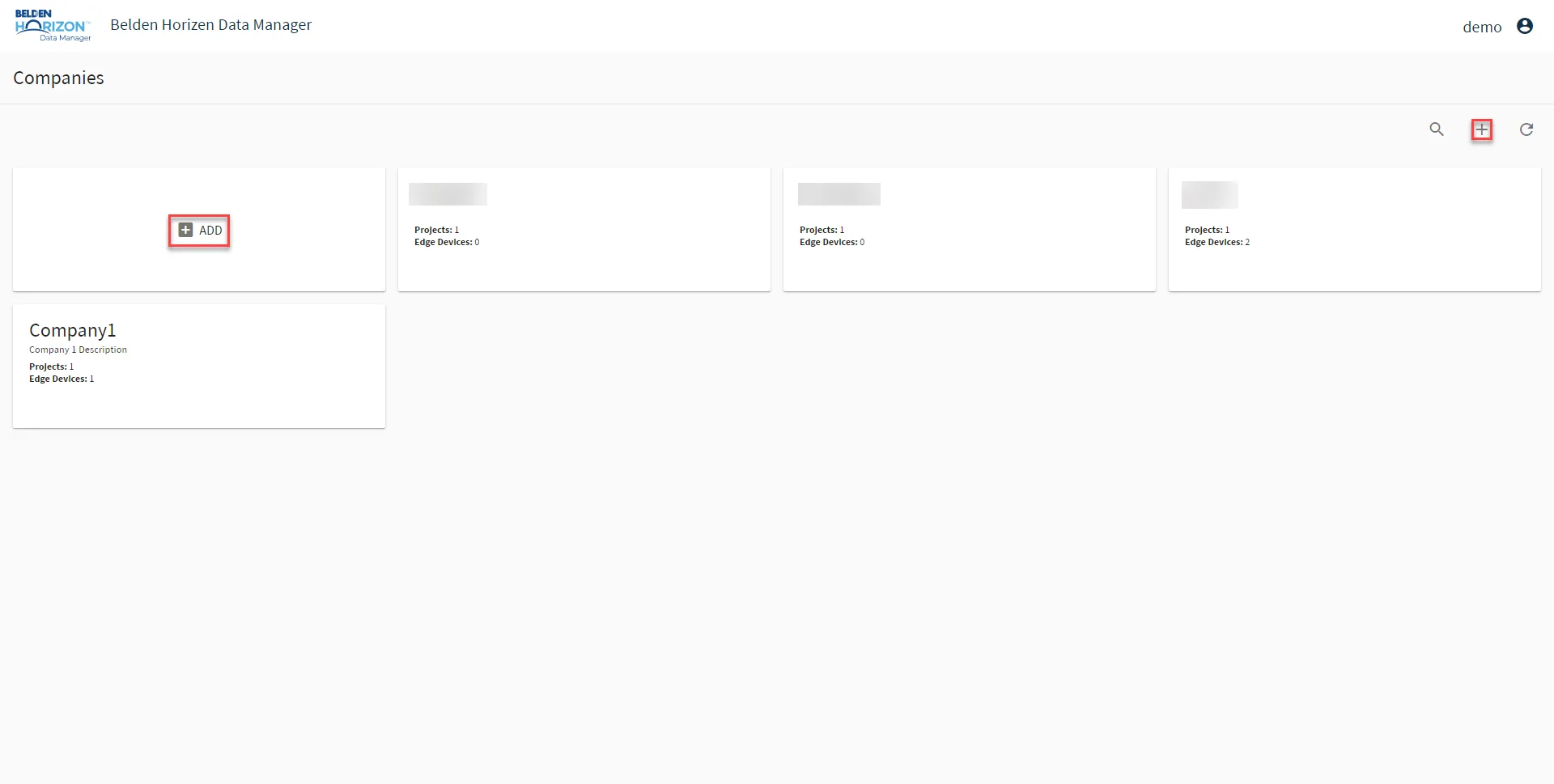
If no companies exist, you are presented with an opportunity to add a company when you log in. If you are working in a company or project, you can click the Company List to select or add a new company.
To add a new company:
1. Log in to Belden Horizon Data Manager.
2. From the Companies list, click Add or Add new Companies.
Note: From an existing company, you may need to select Company List first.
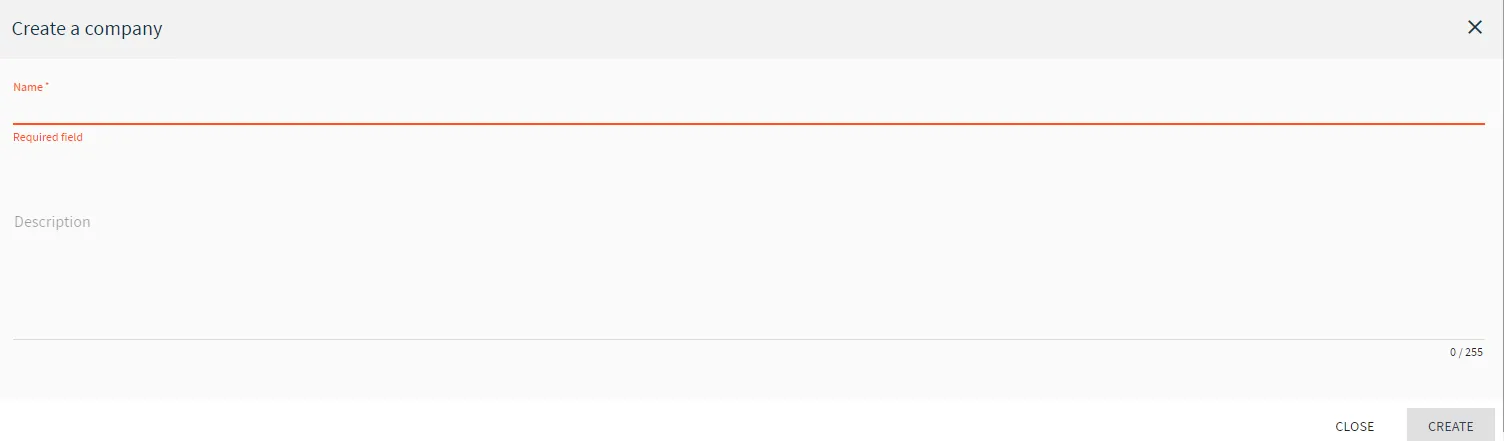
The Create a company dialog box appears.
3. From the Create a company dialog box, do the following:
a. In the Name field, enter the company name. b. (Optional) In the Description field, enter a company description, and then click Create. The new company appears in the Companies List in alphabetical order.