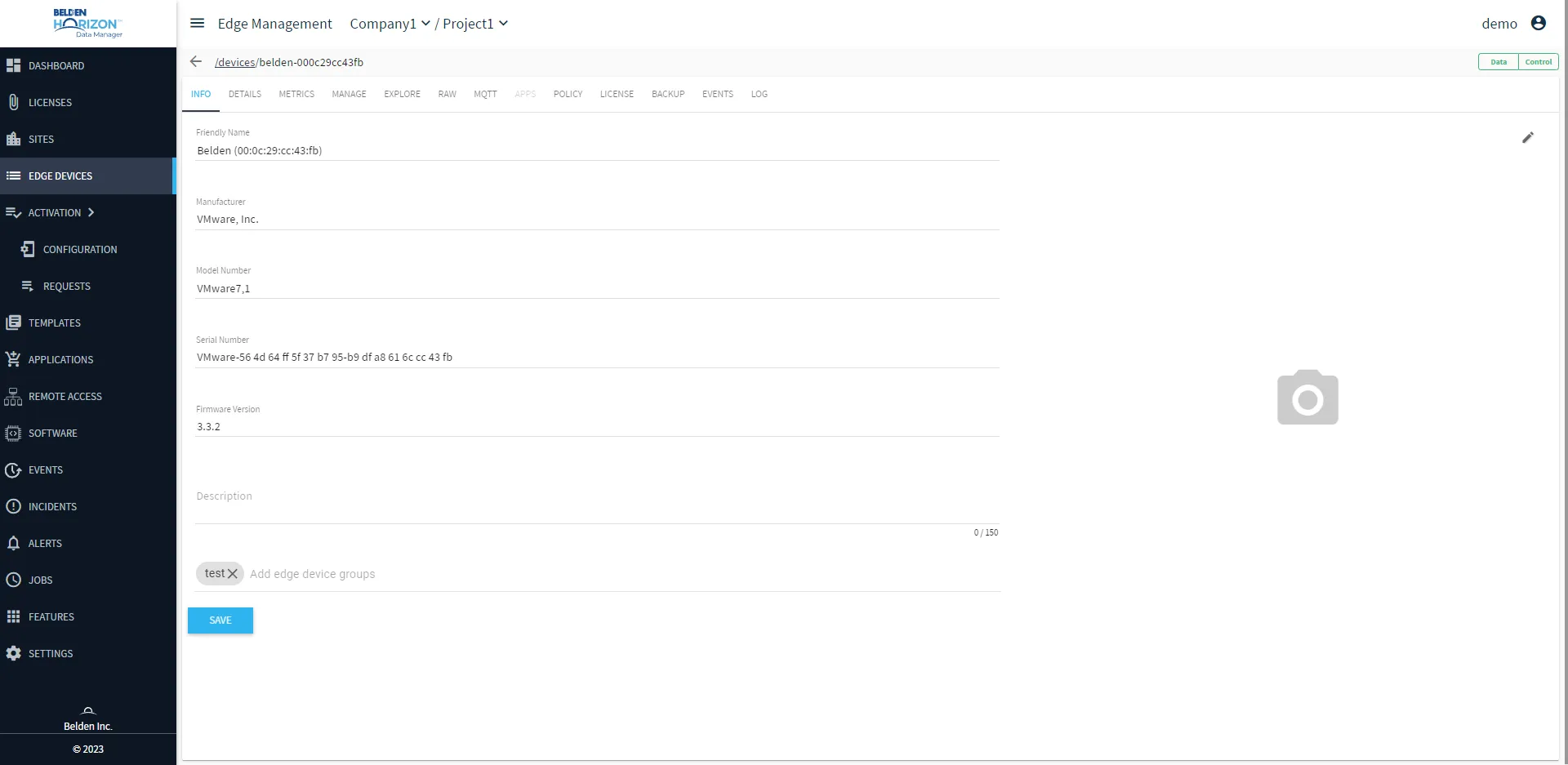
Edge Device Details
Edge Device Details allows you to manage the edge devices connected to Belden Horizon Data Manager.
Each edge device includes device properties, collected data, and connectivity information for the device. There are tabs that are available for viewing and configuration. The edge device tabs are specific to a device type. Tabs relevant to the selected edge device are displayed
Access Edge Device Details UI
To access the Edge Device Details UI:
1. Log in to Belden Horizon Data Manager.
2. Select a company. The Projects pane appears.
3. Do one of the following:
- Click a project from the Project pane.
- Click the Actions icon for a project, and then select View.
The Dashboard pane appears for the project.
4. From the Navigation panel, select Edge Devices. The Edge Devices pane appears.
5. Click an edge device ID link in the Edge Devices pane. The selected Edge Device Details page open with the Info tab.
6. (Optional) Hover over the Data | Control icons to view a drop-down status for the selected edge device. This edge device status is viewable from all tabs in the selected edge device details pane.