DNS
2 min
Note: The DNS feature is available for Belden Horizon Data Manager version 2.10.0 and later.
You can configure the network settings by navigating to Settings > Network and clicking the DNS tab.
This feature enable you to configure Belden Horizon Data Manager to connect to specific DNS Servers.
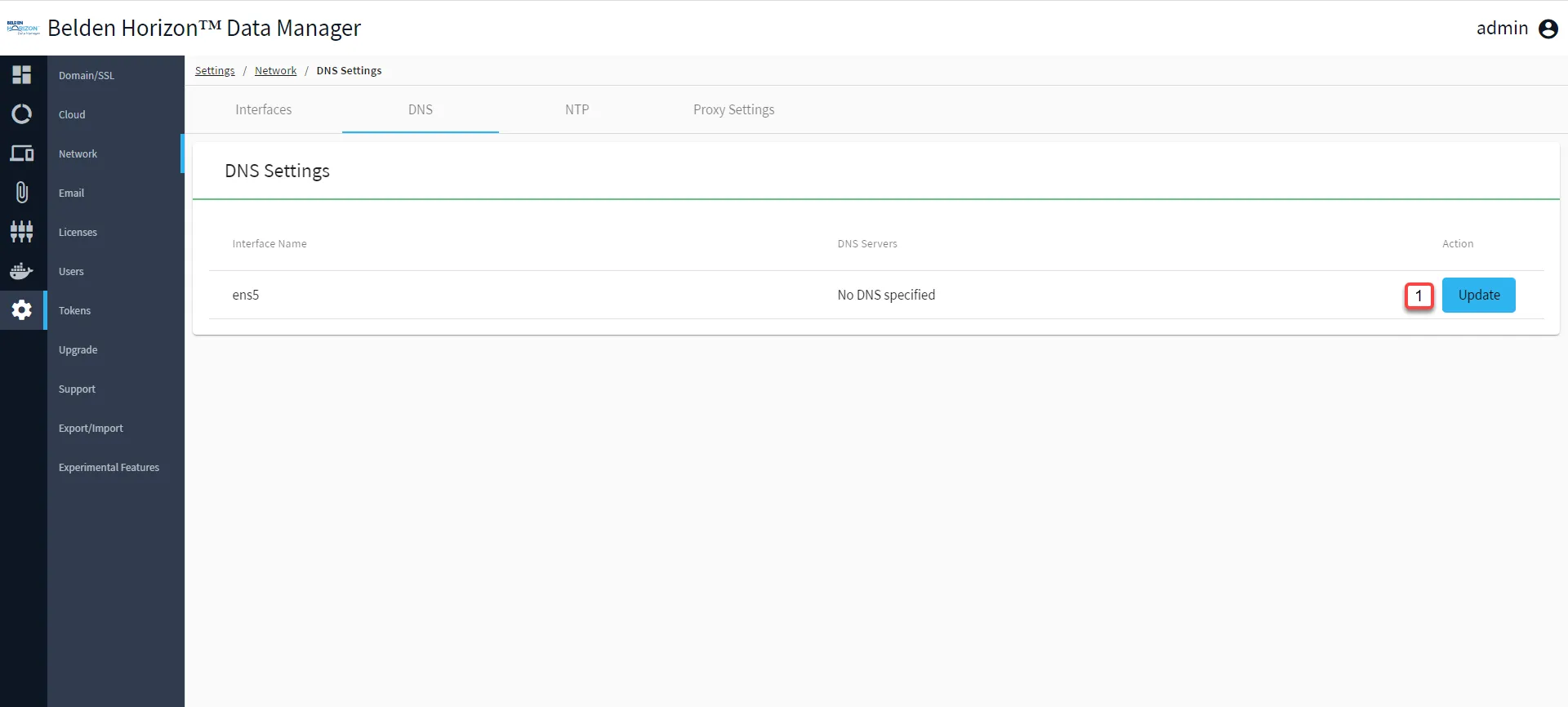
Belden Horizon Data Manager Admin Console : Settings : Network : DNS Tab
[1] Update DNS Settings
Update DNS Settings
You can add/delete the DNS server(s) the Belden Horizon Data Manager will connect to.
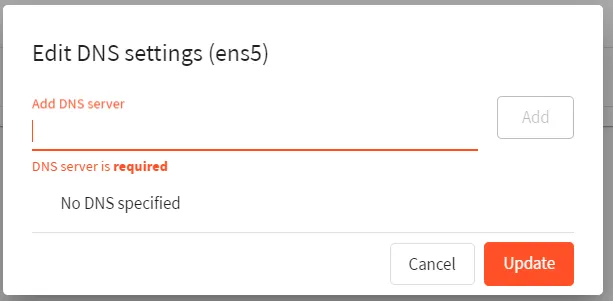
DNS Settings