Policy
0 min
The Policy tab allows you to view the current policies set up for the selected edge device. You can select a different policy from the Selected Policy drop-down list and save it for the edge device. The policies are set up in the Admin console and the available policies appear on the list.
Refer to the following actions you can take on the Belden Horizon Data Manager User UI's Edge Devices Details Policy tab.
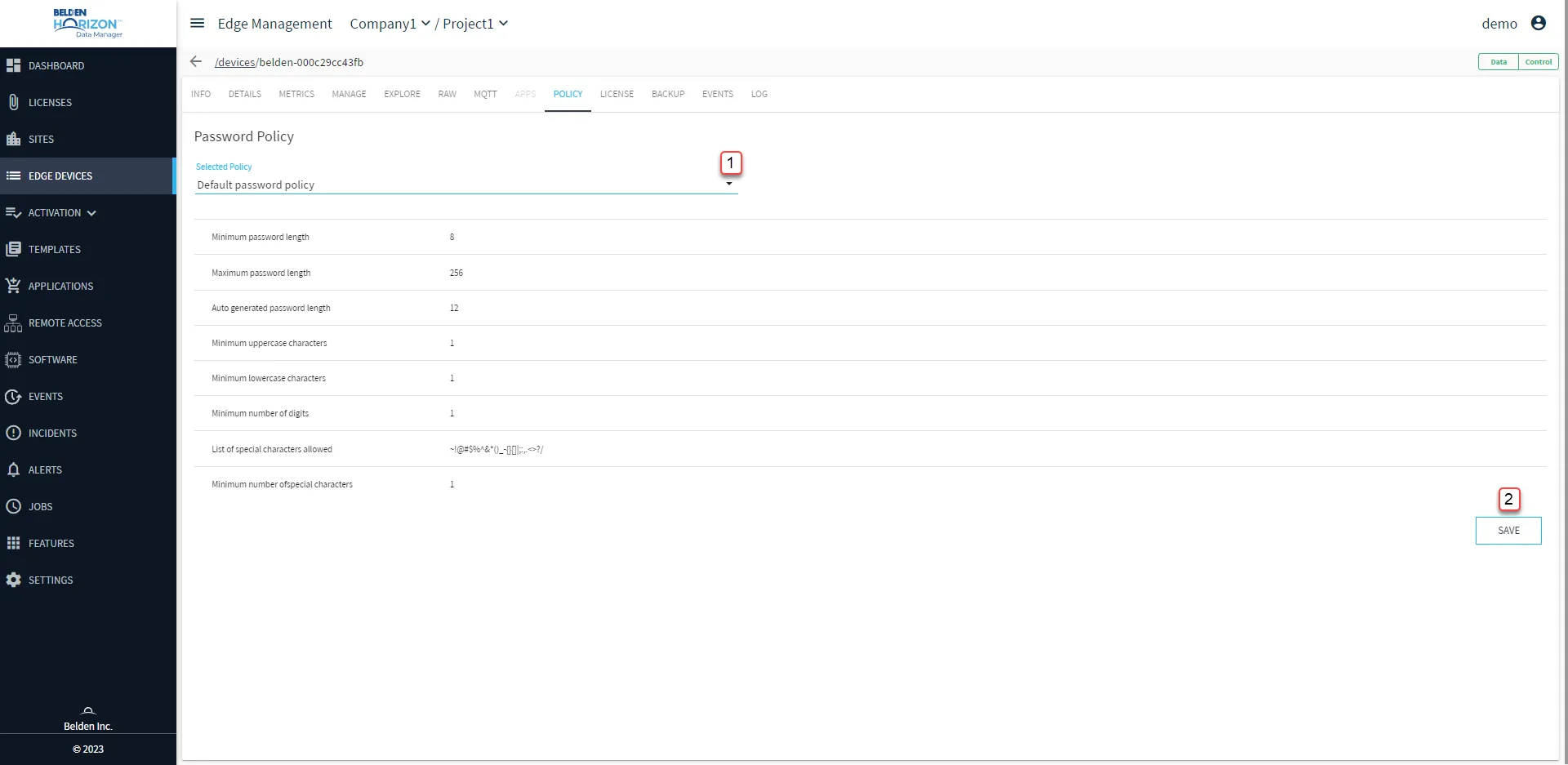
Belden Horizon Data Manager User UI : Edge Device Details : Policy tab
[1] Select Password Policy: New policy can be generated from Belden Horizon Data Manager Admin Console's Edge Password Policies pane.
[2] Save