Manage a Project
1 min
After you create a project, the Project List offers a list of actions to manage them. Refer to the following actions you can take on the Belden Horizon Data Manager User UI's Project list pane.
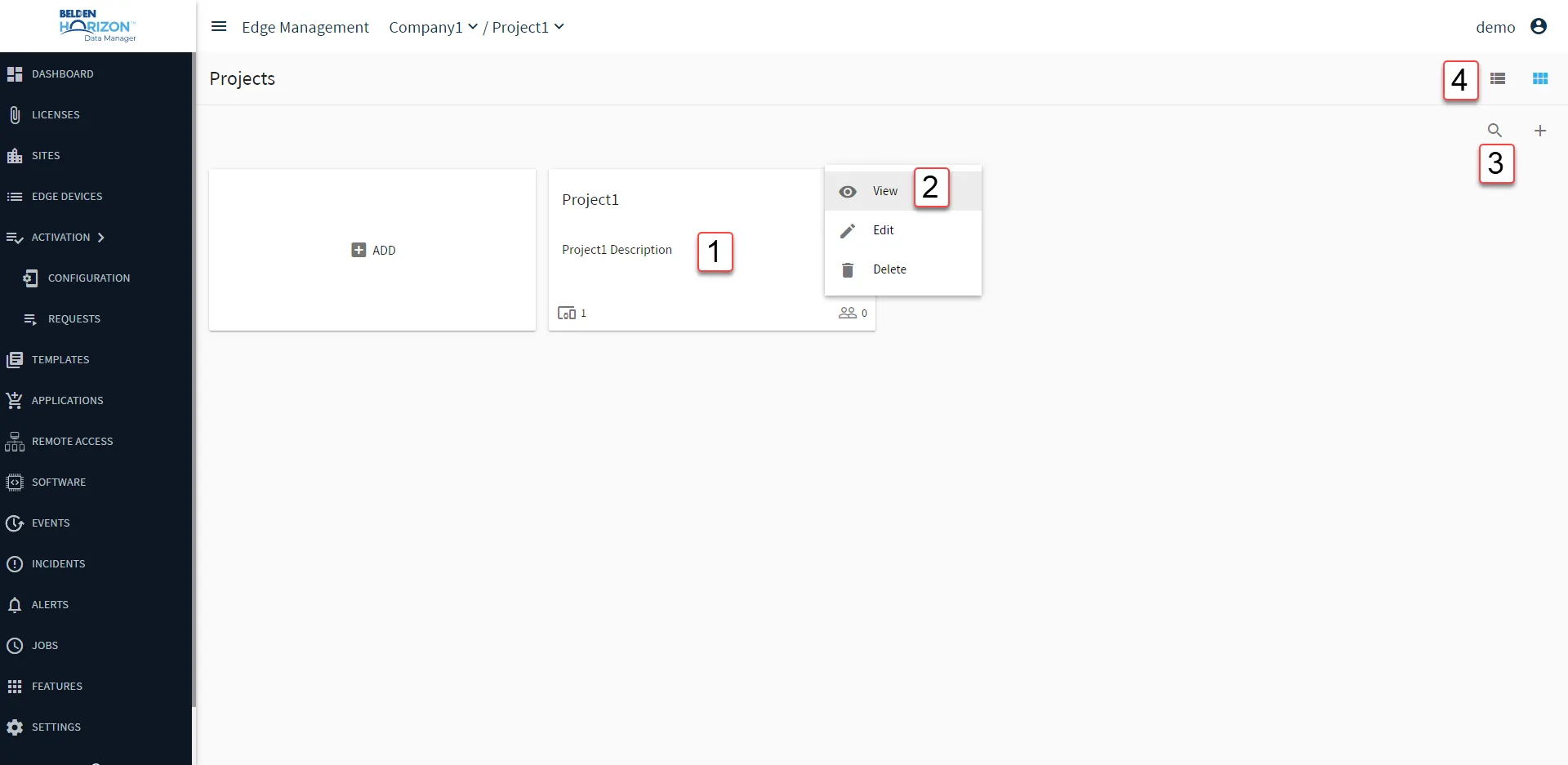
Belden Horizon Data Manager User UI: Project List
[1] View Project Dashboard: See BHDM Dashboard for details.
[2] Action menu
- Edit
- Delete: Removing a project removes all related resources and they cannot be restored.
[3] Show filter/Hide filter: Search by project name or description.
[4] Refresh
[5] Change to Table/Module view