Manage
2 min
The Manage tab offers five subtabs with each of the following capabilities:
- Services: Start and stop SSH or Remote Access
- Metrics: Start/stop Metric Pulls
- API: Changing token for direct access to Belden Horizon Data Operations API
- Reboot: Rebooting the edge device as needed
- Support: Downloading support bundle files
Refer to the following actions you can take on the Belden Horizon Data Manager User UI's Edge Devices Details Manage tab.
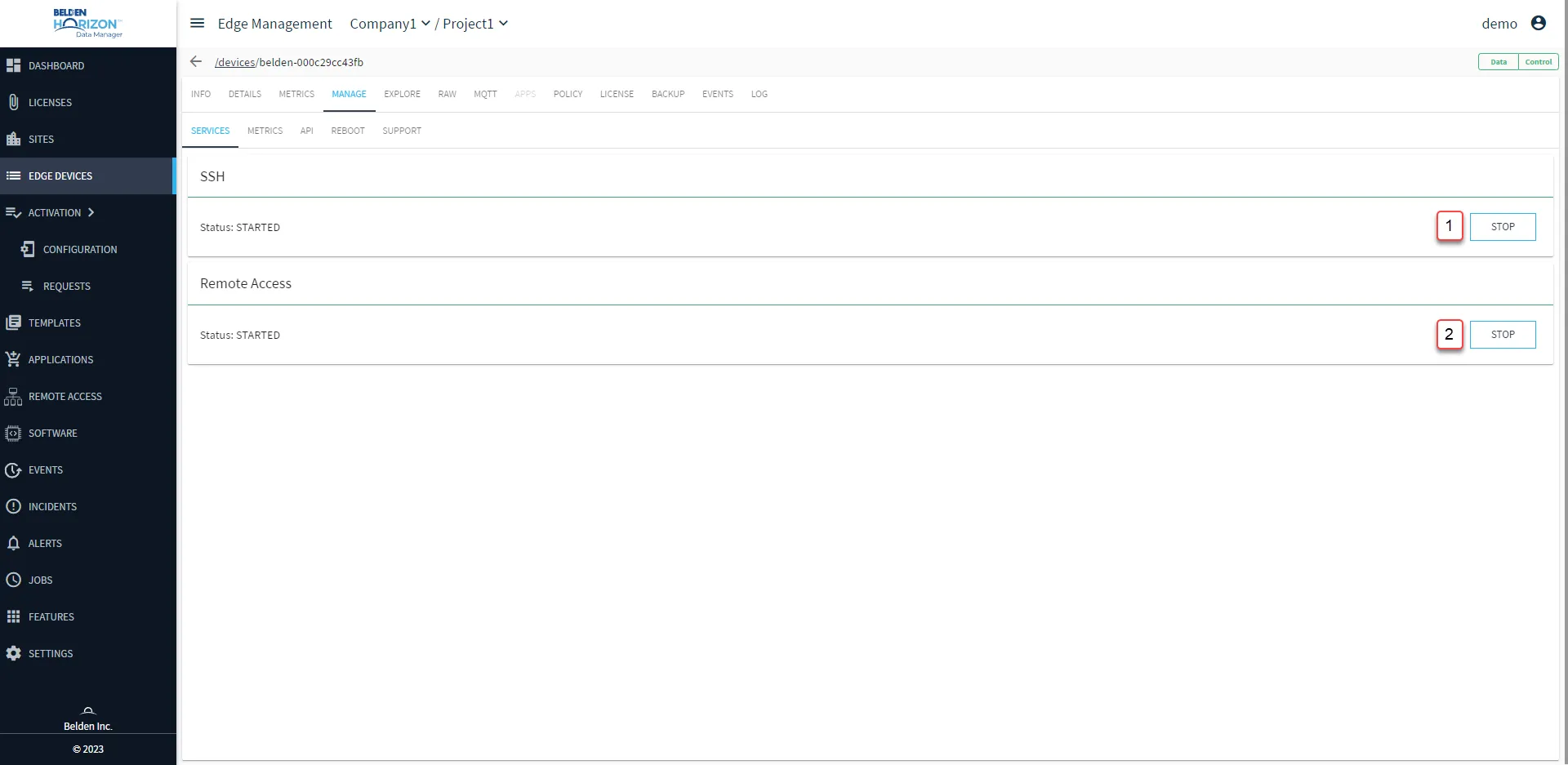
Belden Horizon Data Manager User UI : Edge Device Details : Manage tab : Services sub-tab
[1] STOP/START SSH
[2] STOP/START Remote Access
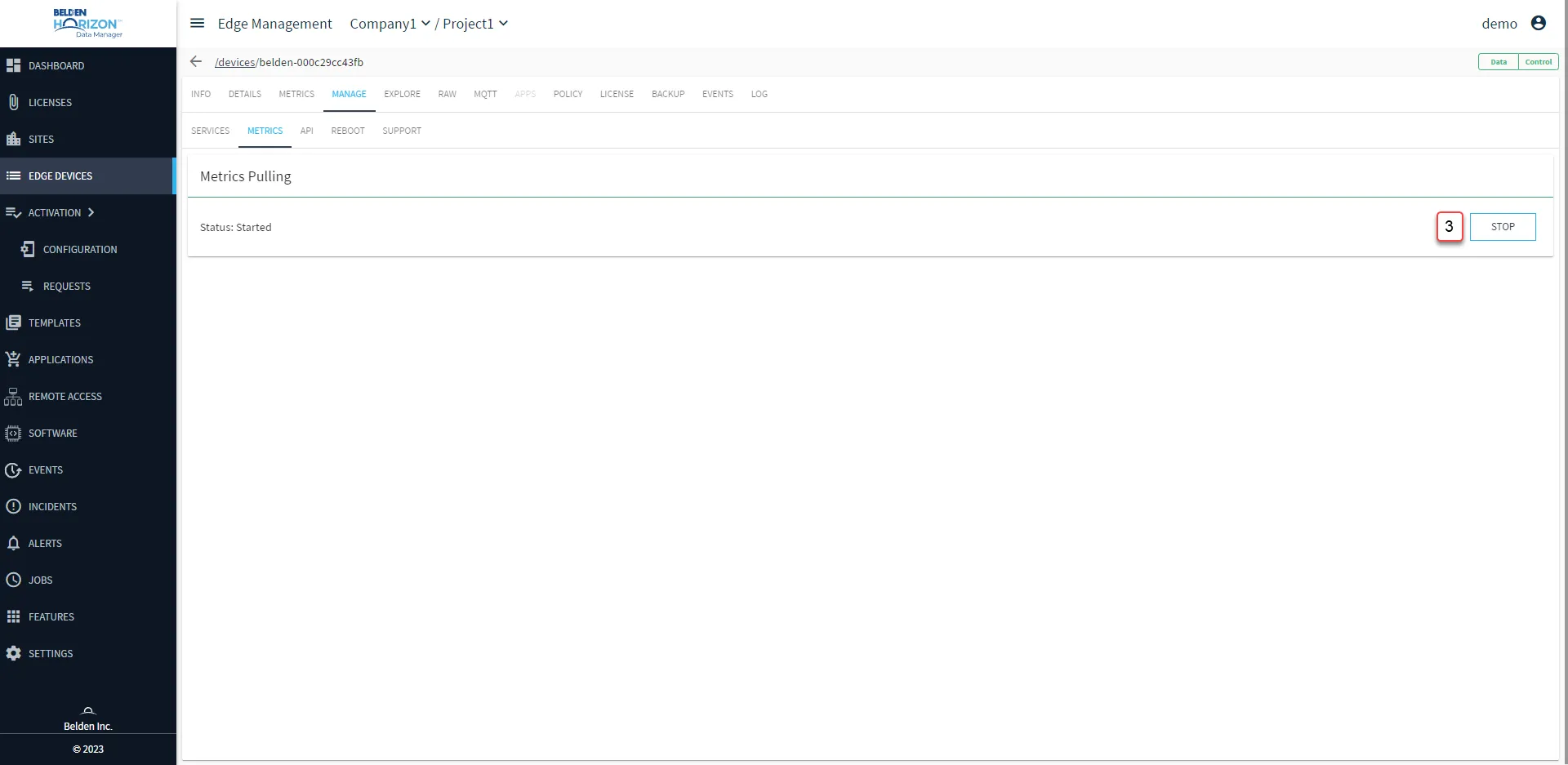
Belden Horizon Data Manager User UI : Edge Device Details : Manage tab : API sub-tab
[3] STOP/START Metrics Pulling: Metrics are updated every 30 seconds.
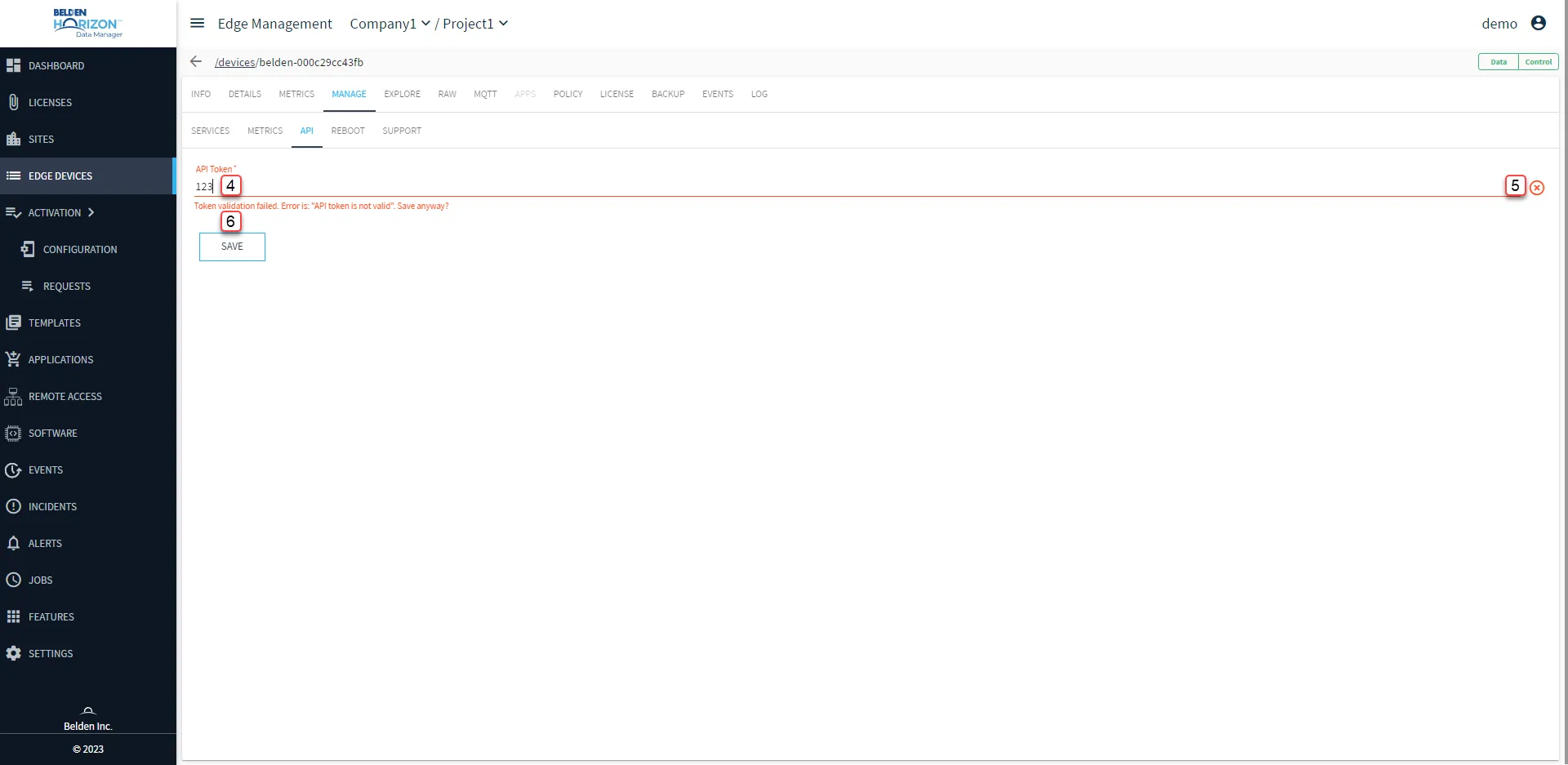
[4] Enter API Token: See Tokens to create an API Token. When creating the API token, you cannot make it read only from the Belden Horizon Data Operations user interface.
[5] View Validation Results
[6] Save
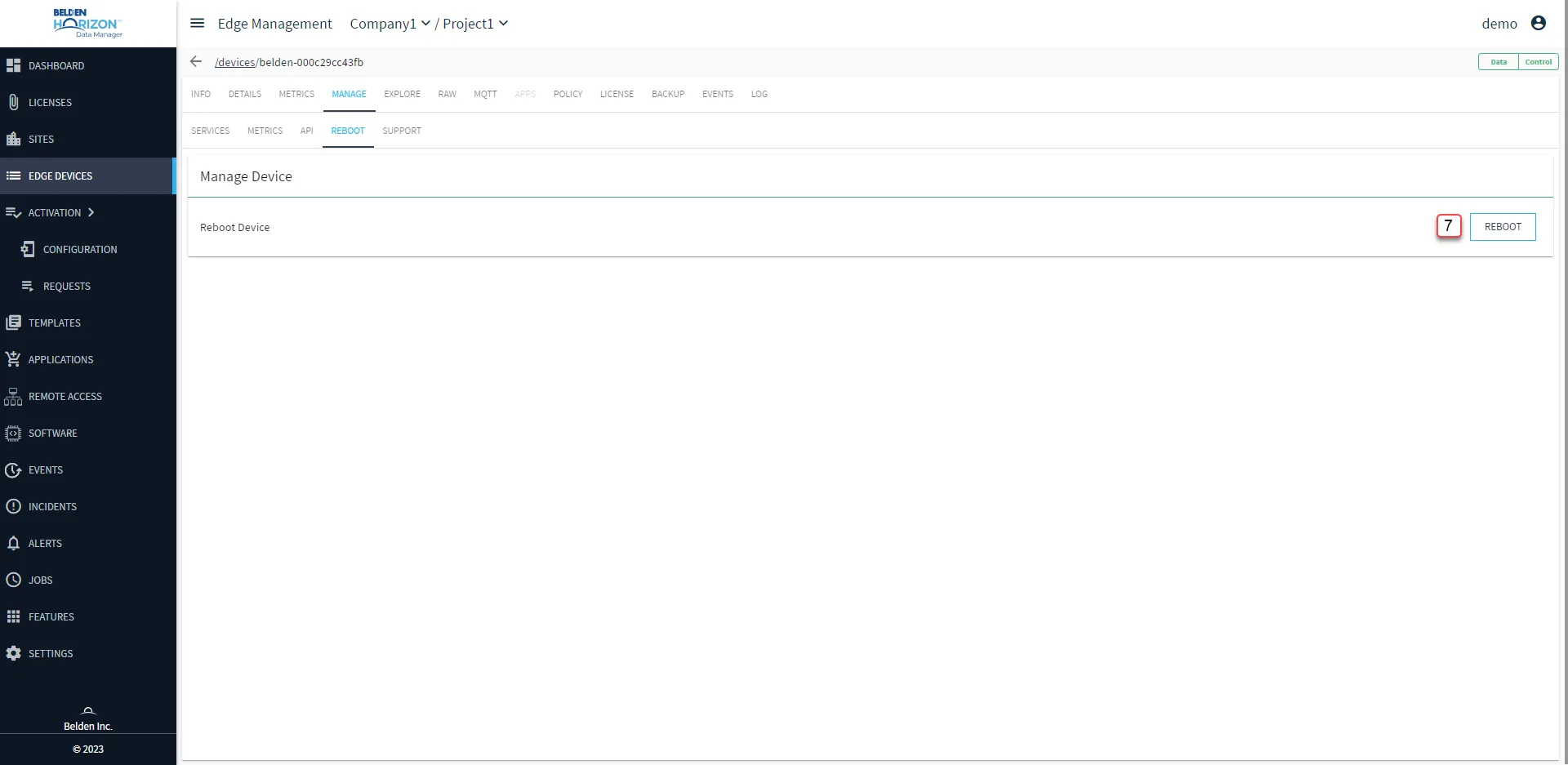
Belden Horizon Data Manager User UI : Edge Device Details : Manage tab : Reboot sub-tab
[7] Reboot Belden Horizon Data Operations Device
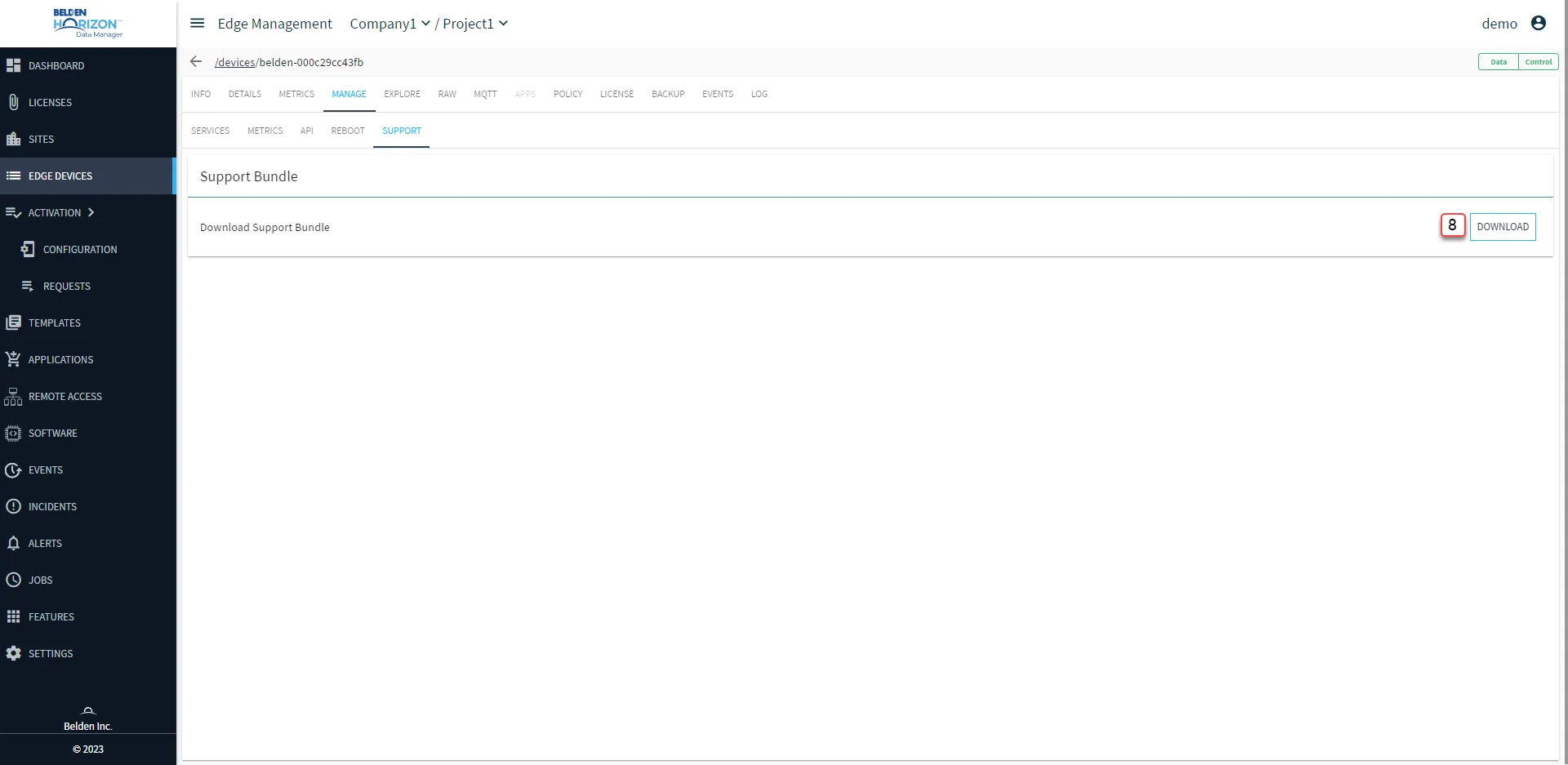
Belden Horizon Data Manager User UI : Edge Device Details : Manage tab : Support sub-tab
[8] Download support bundle: The files can take some time to be generated