Export/Import
You can export/import configurations and data that are collected from a Belden Horizon Data Manager instance from the Export/Import module. This is intended to back up and restore a Belden Horizon Data Manager configuration for a different deployment environment or hardware platform. Export configuration files or data files may use encryption by adding a user-defined password. You can upload configuration files or data files from your hard drive.
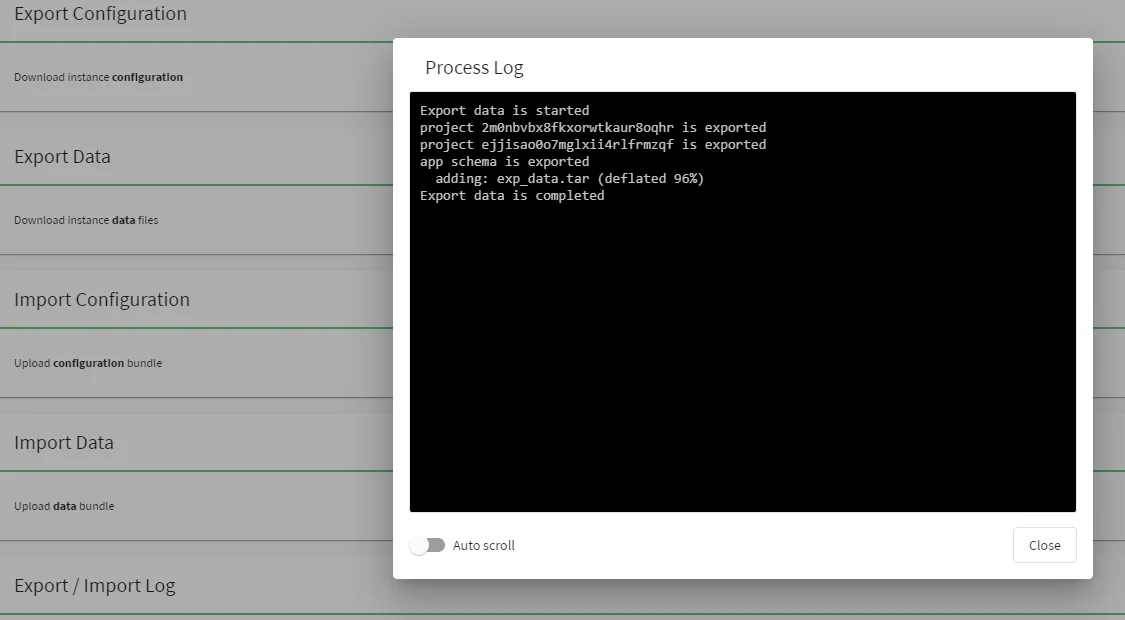
The Export/Import module also shows the latest export/import operation logs with an option to auto scroll.
Export Configuration
You can download an instance configuration from the Export Configuration section in the Export / Import module. Configuration files are password protected and generated as a .tar file. Process logs are visible in the Log section.

[1] Download Export Configuration: Password of the Belden Horizon Data Manager instance is needed.
Export Data
You can download an instance data file from the Export Data section in the Export / Import module.

[2] Download Export Data: Password of the Belden Horizon Data Manager instance is needed.
Import Configuration
You can upload a configuration bundle from the Import Configuration section in the Export/Import module.

[3] Upload Configuration Bundle: Importing configuration replaces configuration data and cannot be undone. Navigate to a bundled zip file. Password of the Belden Horizon Data Manager instance is needed.
Import Data
You can upload a data bundle from the Import Data section in the Export/Import module.

[4] Import Data: If a configuration already exists, as a best practice, you should export the data prior to using upload so you can revert, or you can create a backup of the entire system. Replacing the existing data files cannot be undone. Navigate to a bundled zip file. Password of the Belden Horizon Data Manager instance is needed.
Log
You can view the latest export/Import operation log from the Log section in the Export/Import module.

[5] Show Log: Toggle Auto-scroll to the On position to automatically scroll down to the most recent messages in Process Log. Doing so helps monitor a running export/import process.