Connections
2 min
The Connections pane allows you to manage clients that connect to the OPC UA server using certificate-based authentication. See Manage OPC UA Authentication for more information.
For a certificate-authenticated OPC UA client to work, the OPC UA server must accept (trust) that client's requests.
You can add and refresh an OPC UA client connection, view, refresh and remove client certificates, and manually download the OPC UA server certificate.
Access OPC UA Connections UI
To access the OPC UA Connections pane:
- Log in to Belden Horizon Data Operations.
- From the Navigation panel, navigate to OPC > Connections. The Connections pane appears.
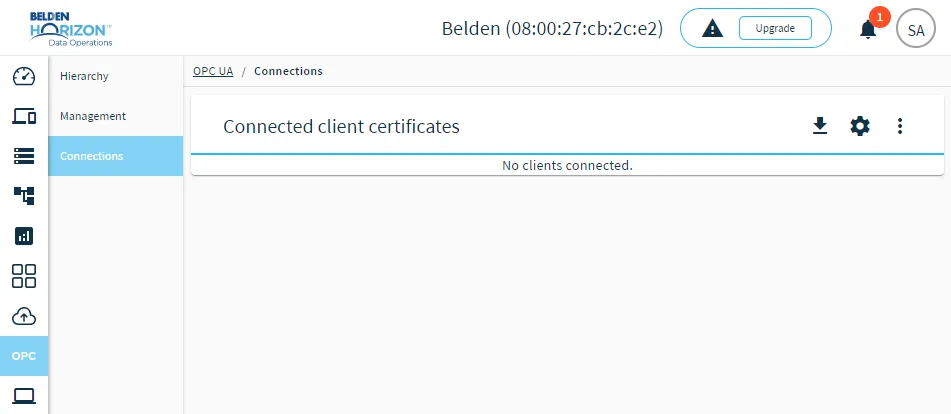
The Connections pane