Manage OPC UA Users
2 min
You can add and manage users by navigating to OPC > Management.
Add OPC UA Users
To add an OPC UA user:
- Navigate to OPC > Management.
From the Management pane, refer to the Users section and click the Add icon.
The Add User dialog box appears.
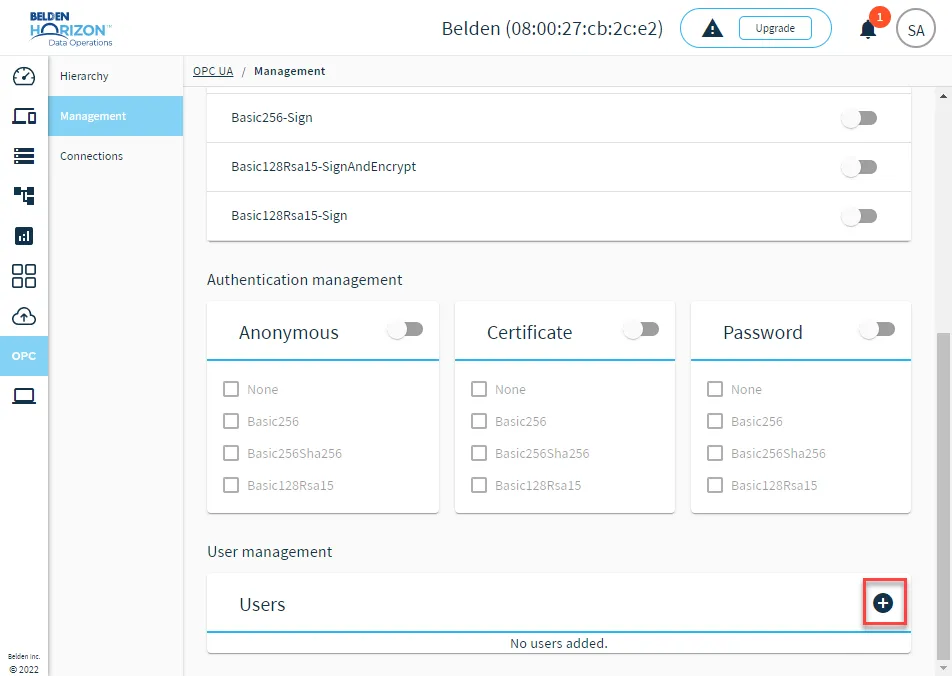 Add OPC UA User icon
- Enter a user name in the Username field.
- (Optional) Check the Disabled check box.
- Click Save. The password displays.
- Click the displayed password to copy it, save it somewhere safe, and then click Close.
Manage OPC UA Users
You can click the Action menu for individual users to manage them.
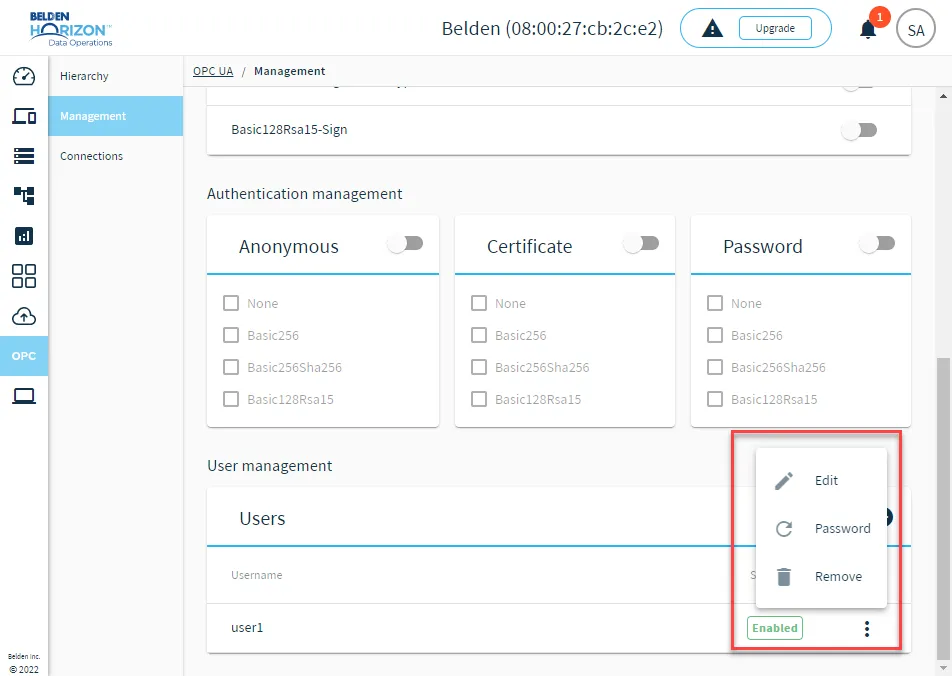
OPC UA user management options
- Edit: Update the username or check/uncheck the Disabled check box.
- Password: Reset the user password.
- Remove: Remove the user from the OPC UA Management pane.