Manage OPC UA Certificates
3 min
You can manage your OPC UA Client Certificates by navigating to OPC > Certificates.
Refresh Settings
You can click the Show settings icon to manage the refresh settings.
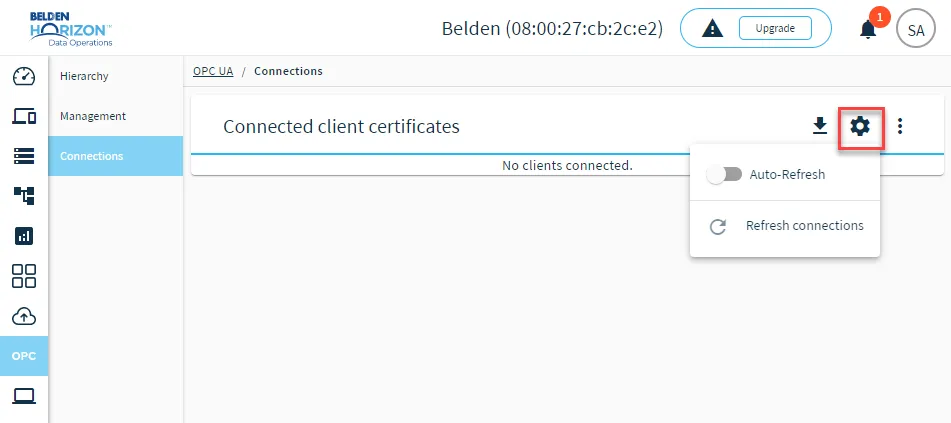
- Auto-Refresh: Enable or disable auto-refresh of client certificates. Auto-refresh is enabled by default.
- Refresh connections: Refresh the OPC UA client connections.
Manage OPC UA Certificates
You can click the Action menu for client certificates you've added to manage them.
- Trust: You can trust the client certificate
- Remove: The client certificate is removed from the list.
You can click the Action menu for all client certificates to remove all certificates from the list.
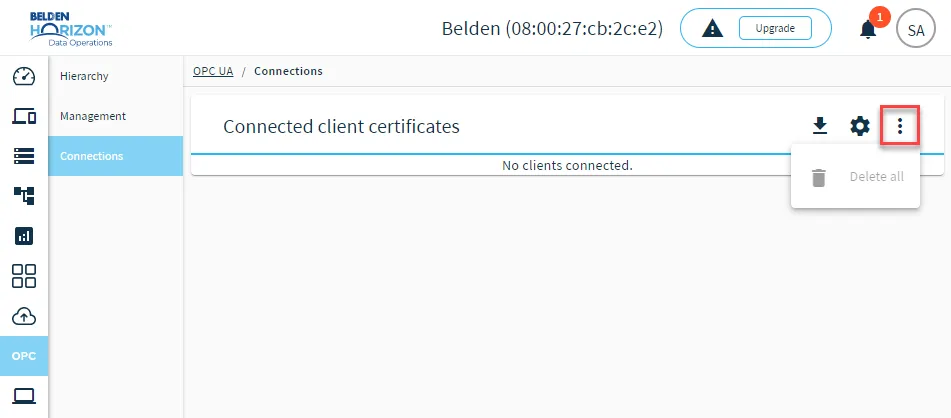
The action menu for all certificates