Support
The System > Support pane is primarily used by Customer Support for troubleshooting purposes.
It includes the following sections.
Components
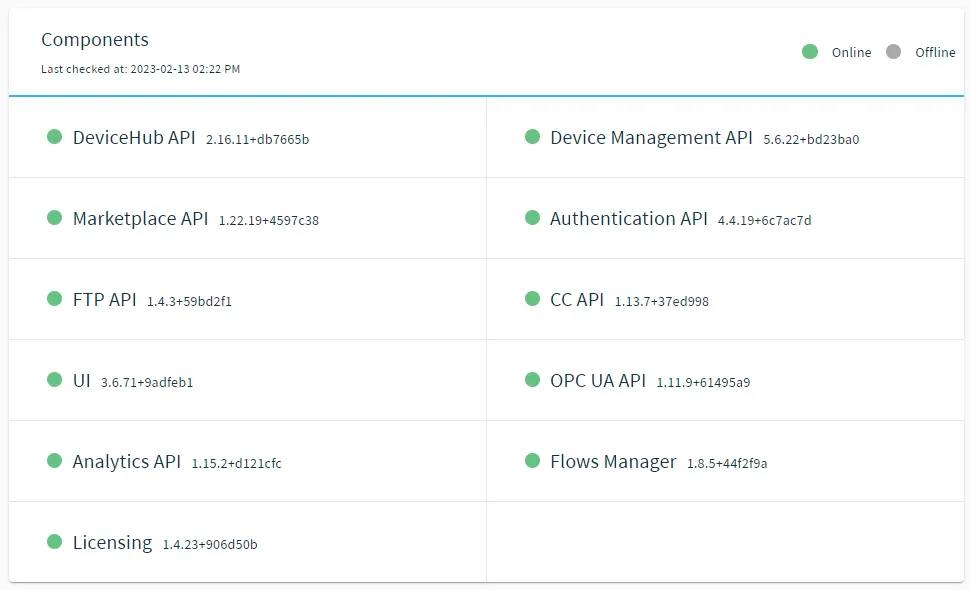
This section shows the status and version of the underlying software components for Belden Horizon Data Operations. A green circle by a component's name means that this component is online, and a red circle means that the component is offline.
Support Bundle
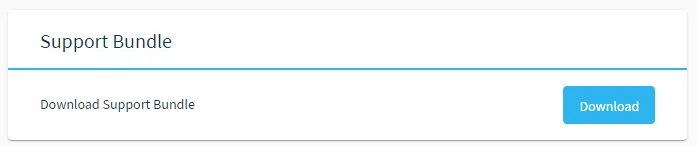
Enables you to download a system-generated GZ file that you can send to the Customer Support representative to help them resolve your issue. The files in the support bundle are password-protected.
File Downloads
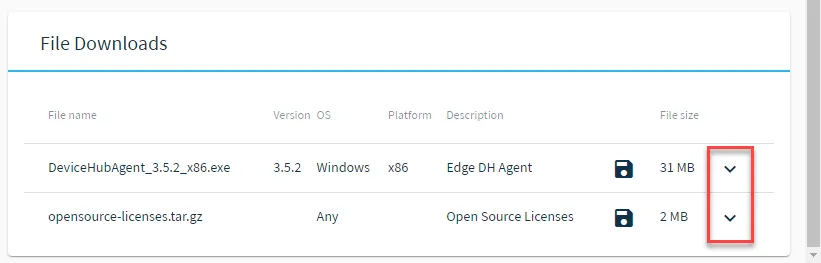
Allows you to download the DeviceHub Agent file and open source license bundles.
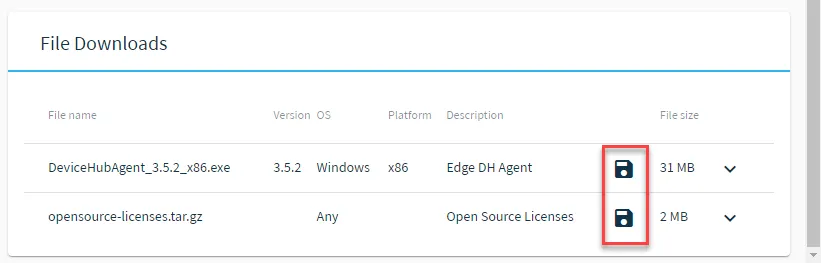
To download a file, click the Download icon.
You can view more information on a file by clicking the Expand icon.