External Storage
3 min
The External Storage pane allows you to mount and manage network storage. This enables you to share the same storage location with all marketplace applications. Network storage expands the storage pool and facilitates enterprise backup/restore processes.
You can use CIFS or FTP to mount external storage.
To add a CIFS mount point, you must do one of the following before creating the CIFS mount point in Belden Horizon Data Operations:
Access External Storage UI
To access the External Storage pane:
- Log in to Belden Horizon Data Operations.
- From the Navigation panel, navigate to System > External Storage. The Mount points pane appears.
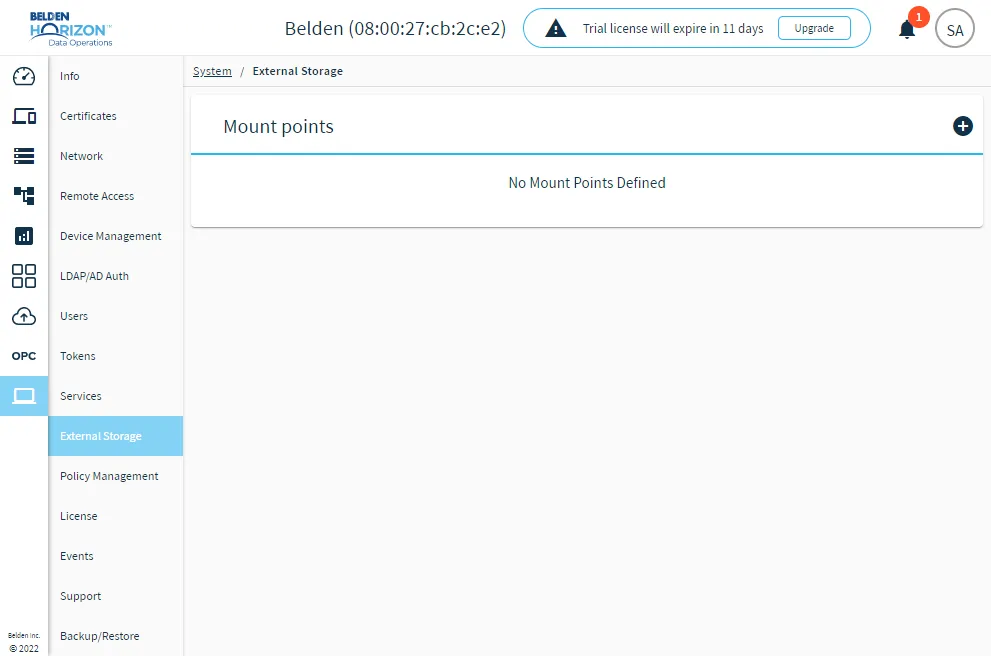
The External Storage pane