DB Management
3 min
Note: For Belden Horizon Data Operations version 3.5.2 and later, DB Management options are related to internal databases configured in DataHub (Legacy), which will be deprecated in a future release.
You can manage the time series database, called tsdata, from the DB Management pane of the DataHub module. Your edge device communicates with this database through port 8086.
Access DataHub DB Management UI
To access DB Management:
- Log in to Belden Horizon Data Operations.
- From the Navigation panel, navigate to DataHub > DB Management. The DB Management pane appears.
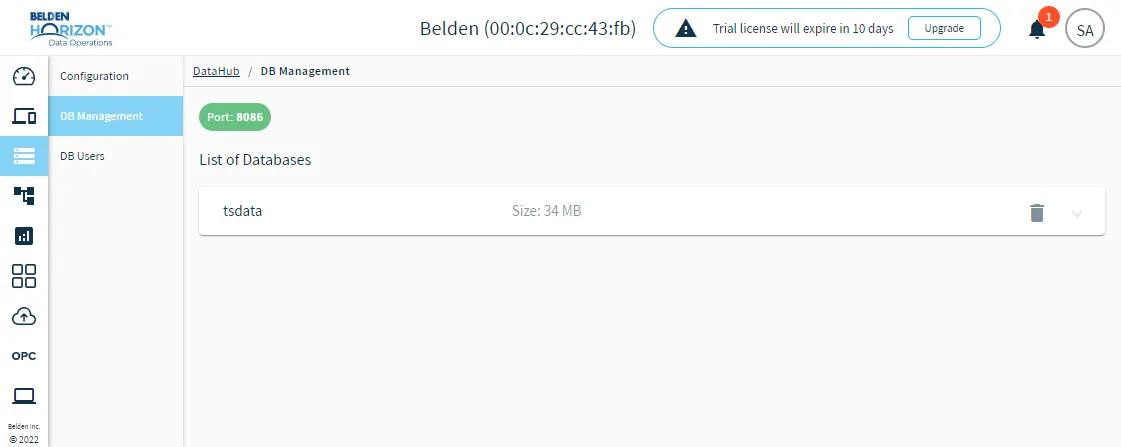
DataHub DB Management pane