Add an FTP User
1 min
You can add one or more users to connect to the FTP server by navigating to System > Services from the FTP Services section.
To add an FTP user:
- Navigate to System > Services.
From the FTP Service section, click Add User.
The Add User dialog box appears.
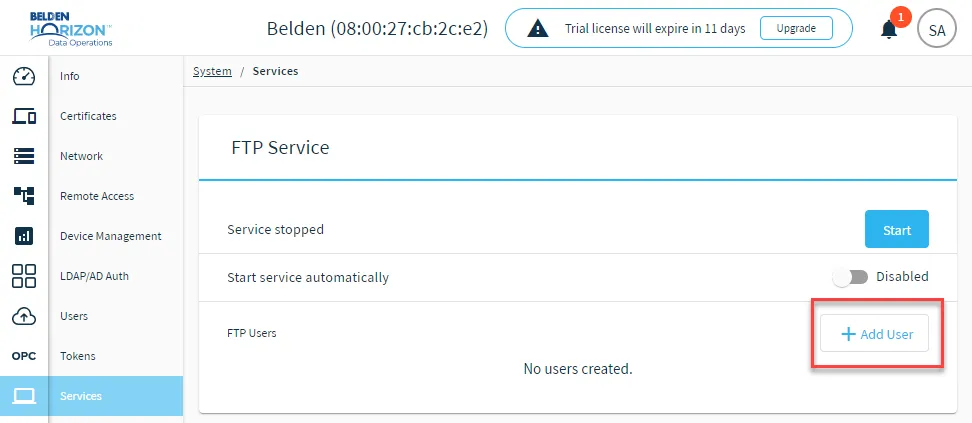 The Add User button
- Enter a username and click Add User.
- Click Close.