Add a Node
5 min
You can manually add nodes to the OPC UA hierarchy by navigating to OPC > Hierarchy.
Add a Node
To add a node:
- Navigate to OPC > Hierarchy.
From Hierarchy pane, click the Add icon. If a parent node already exists, you can select it prior to clicking the Add icon.
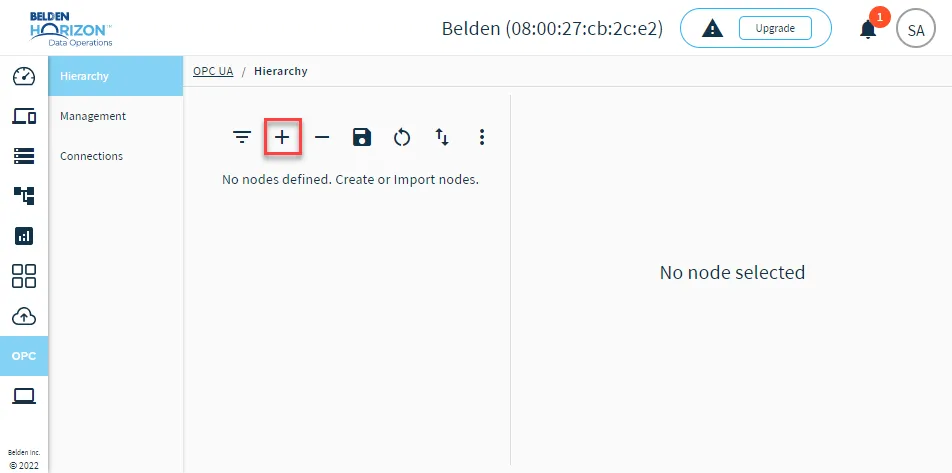 The Add node icon
- From the Add node dialog box, select one of the following options:
- Folder
- Device
- Tag
- Refer to the respective type depending on your selection and enter the details for the node.
Folder
Enter a descriptive name and click Add.
Device
Enter a descriptive name and click Add.
Tag
Notes:
- Topics you enter can come from sources other than DeviceHub devices.
- The payload structure for tags must include at least the value and success strings of JSON objects. For example:
- { "value": 11.11, "success": true }
- Node name: Enter a descriptive name.
- Topic: Enter a topic name.
When done configuring the node, click Add.
After clicking Add, click the Save icon.
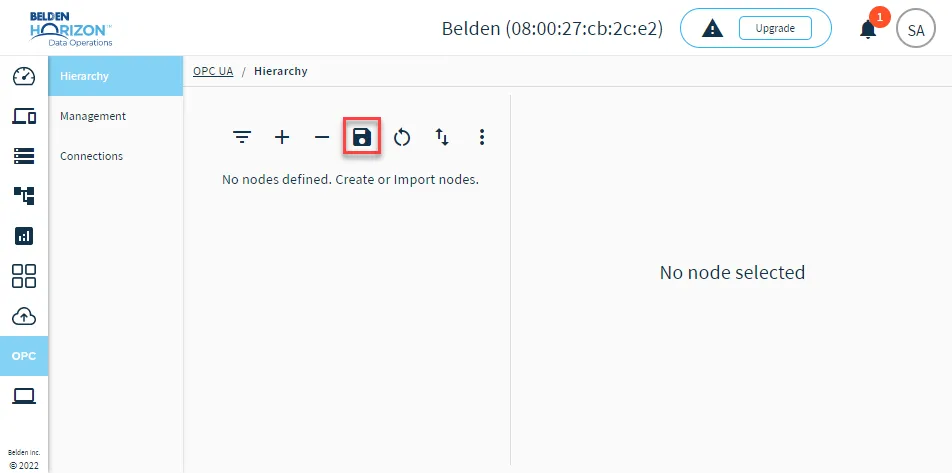
Save icon for nodes
Restart OPC UA server
After saving the new node, you must restart the OPC UA server. See Manage the OPC UA Server to learn more.