Create an Analytics Flow
1 min
You can create an analytics flow by navigating to Analytics > Instances.
When creating an analytics flow, you're guided through selecting input, function, and output processors and the flow automatically adds connections to the processors.
To create an Analytics Flow:
Use the Analytics Groups drop-down list to select the group you want to add the processor to.
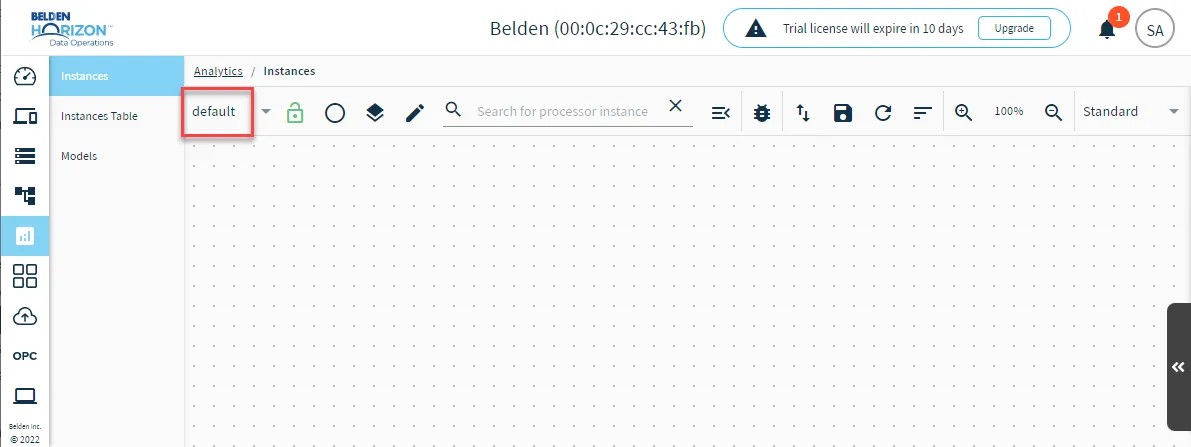 Analytics Groups drop-down list
Open the Action menu and select Add flow.
The Create Flow wizard appears.
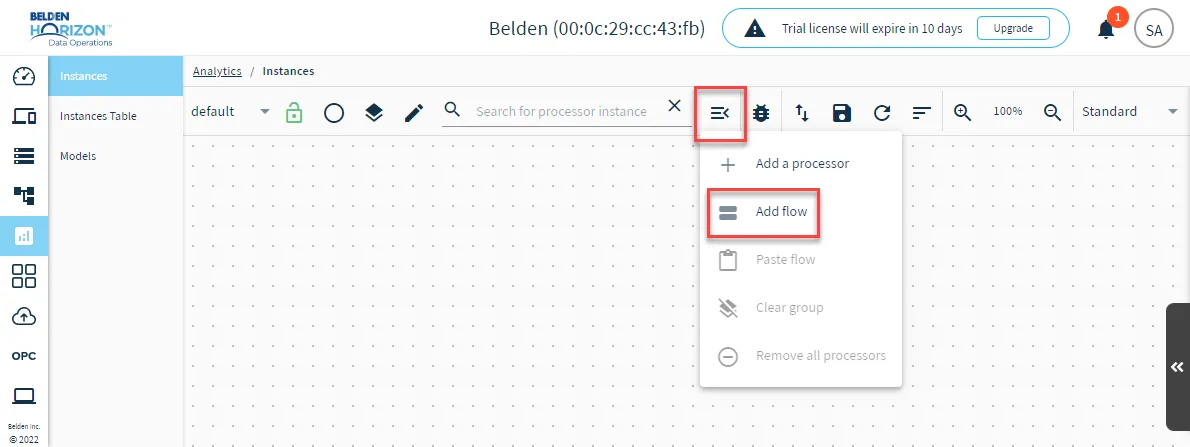 Add flow option
- Click Next.
- Select an function processor and define its parameters. See Processor Flow Parameters to learn more.
- Click Next.
- Click Next.
- Click Create Flow. The flow displays in the Analytics canvas with default connections.