Applications Dashboard
2 min
The Dashboard pane of the Applications module opens by default when you navigate to Applications. This pane summarizes up-to-date information about the module's components.
Tile | Shows | When clicked, opens |
|---|---|---|
Catalogs | The number of the catalogs defined in your edge device | The ConfigureCatalog Apps pane |
Containers | The number of the containers deployed, total, and differentiated by status: Running, Paused, or Stopped | The pane |
Images | The number of images uploaded to your edge device, along with the total disk space they occupy | The pane |
Volumes | The number of volumes mounted to run the applications | The pane |
Networks | The number of networks your edge device has access to | The pane |
Access Applications Dashboard UI
To access the Applications Dashboard:
- Log in to Belden Horizon Data Operations.
- From the Navigation panel, select Applications. The Dashboard pane appears.
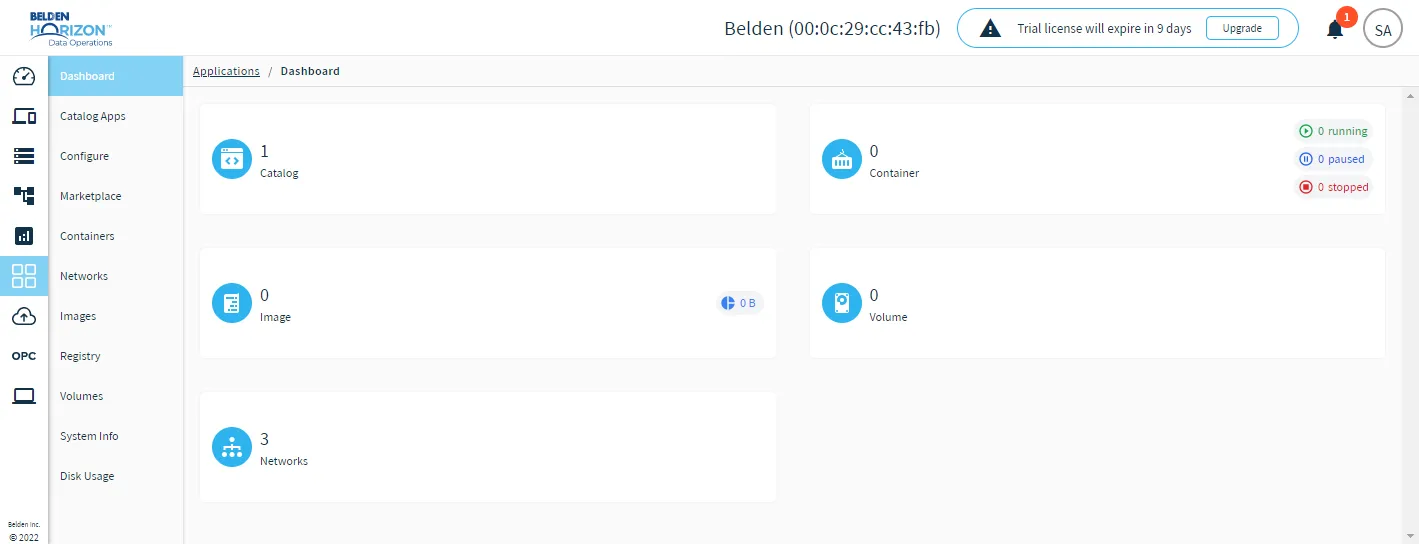
The Applications dashboard