Add a User
2 min
Note: Role-based access control (RBAC) is available for Belden Horizon Data Operations version 3.3.1 and later.
You can add users to Belden Horizon Data Operations by navigating to System > Users and selecting the Users tab.
Important:
- Administrators should email credentials to new users. These credentials are temporary, and users need to change their password when they first log in to Belden Horizon Data Operations.
- New users need to belong to at least one group to be able to log in to Belden Horizon Data Operations.
To add a user:
Click the Add User icon.
The Add User dialog box appears.
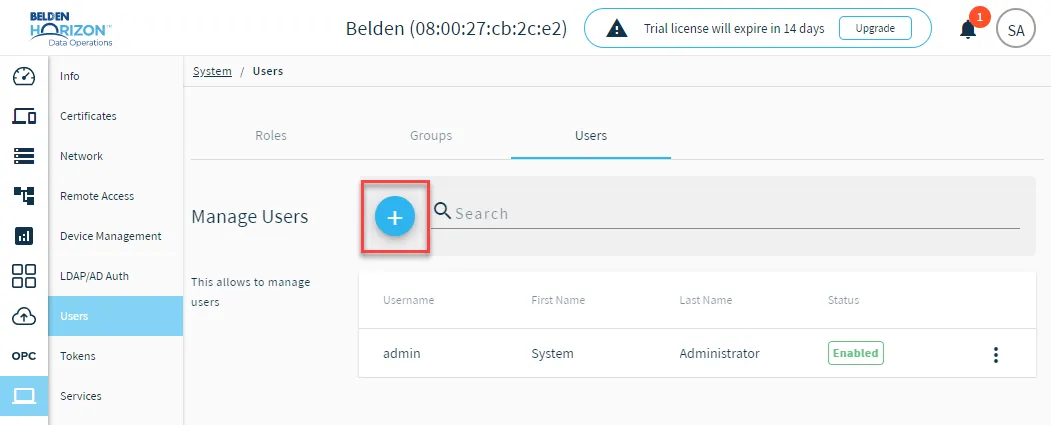 Add user icon
- Enter the details for the user.
- First name
- Last name
- Username
- Password
- Use the drop-down list for Select Groups to add the users to groups. Add as many groups as required. If no groups are assigned, the user will not be able to log in to Belden Horizon Data Operations.
- Click Add User. The user is added to the Users pane.