Add a Group
2 min
Note: Role-based access control (RBAC) is available for Belden Horizon Data Operations version 3.3.1 and later.
You can add a new group and associate Roles to it by navigating to System > Users and selecting the Groups tab.
Important: New users need to belong to at least one group to be able to log in to Belden Horizon Data Operations.
To add a group:
Click the Add Group icon.
The Add Group dialog box appears.
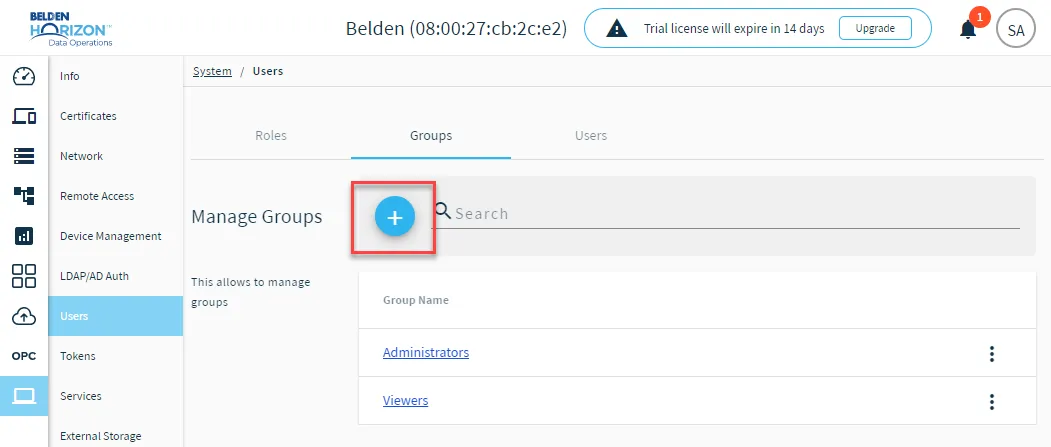 The Add Group icon
- Enter a name for the group.
- Click Add Roles. All existing Roles display. Select a role's check box to associate the role with the new group. Add as many roles as required.
- Click Save. The group is added to the Group tab.