Add a Custom CA Certificate
A CA certificate is a digital certificate issued by a certificate authority (CA). The CA certificate allows valid and secure connections between Belden Horizon Data Operations and other systems.
To create a valid and secure connection between Belden Horizon Data Operations and Belden Horizon Data Manager, a custom CA certificate needs to be generated. To complete this specific task, see Activate an Edge Device for details.
To upload a custom CA certificate not related to validating communication between Belden Horizon Data Operations and Belden Horizon Data Manager, follow the steps below.
Important: When uploading a custom CA certificate, make sure the file is in CRT format and that X509 encoding is used.
Before You Begin
Contact your IT team to download any required CA certificates that you will need to upload to Belden Horizon Data Operations.
Add a Custom CA Certificate
To add a custom CA certificate:
- Navigate to System > Certificates.
- From the Certificates pane, select the Custom Certificate tab.
Click the Add icon.
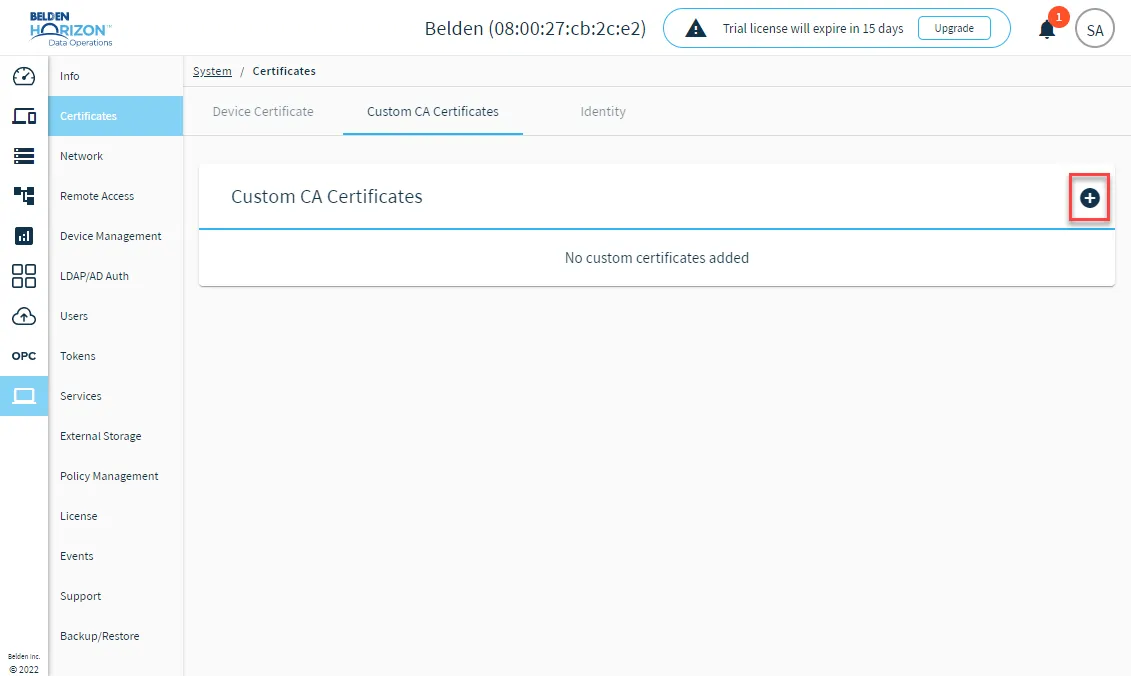 Add Custom CA Certificate icon
- Navigate to the certificate file (*.crt) and click Open. The new certificate appears in the Custom Certificates tab.